Wallet infrastructure
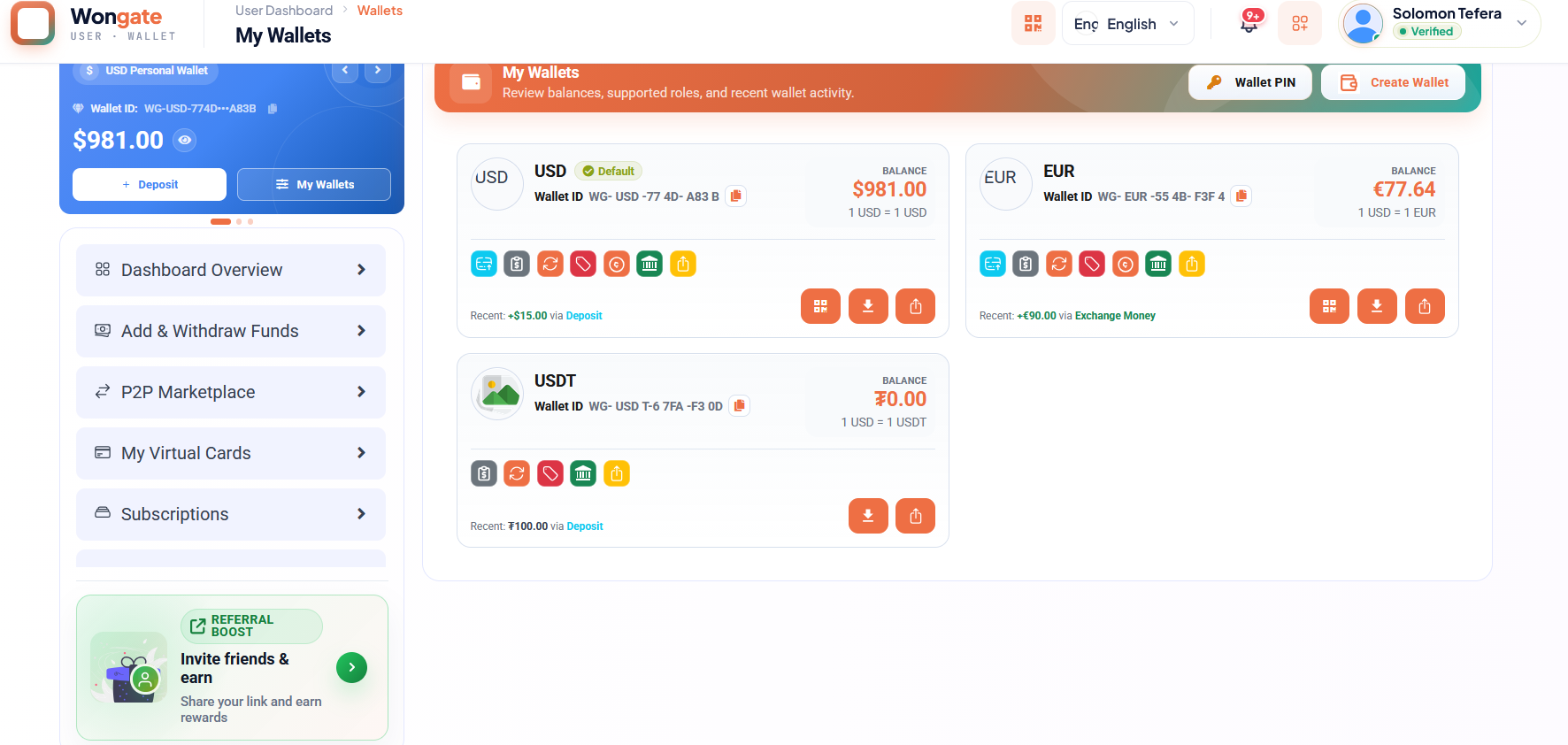
Manage fiat and crypto balances with clear, auditable actions.
Explore wallets →A polished, practical guide to configuring and operating Wongate for wallets, remittance, payments, cards, marketplaces, and financial operations.
Wongate brings wallets, cross-border money movement, P2P payments, virtual cards, merchant collection, marketplace commerce, and operational controls into one configurable platform.
Manage fiat and crypto balances with clear, auditable actions.
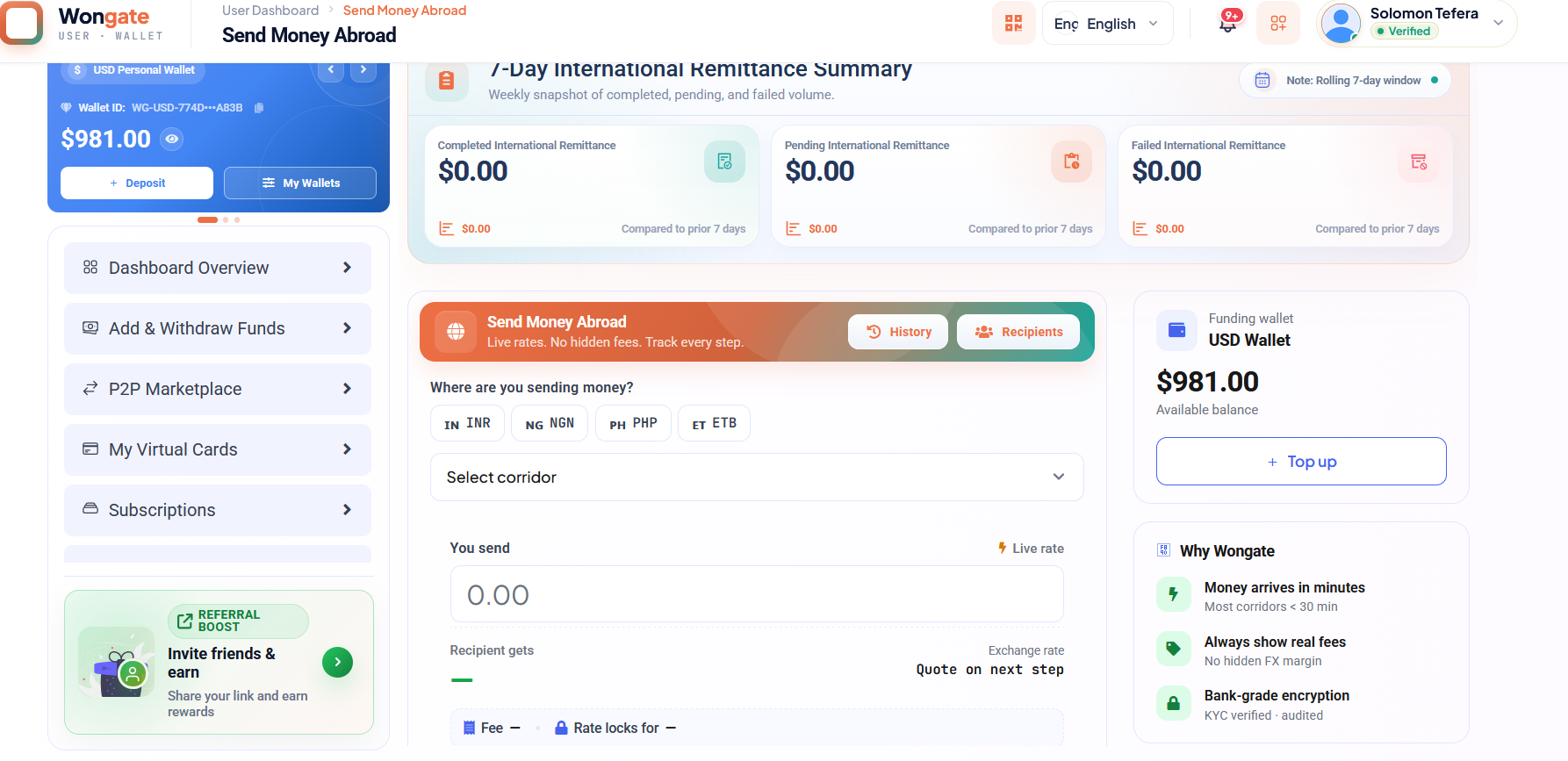
Explore wallets →Configure corridors, gateways, QR payments, and settlement workflows.
Explore payments →Build operational confidence with identity, AML, fraud, and role controls.
Explore security →Prepare the hosting environment before uploading Wongate. Exact versions can depend on the Wongate release you received; confirm them against that release's composer.json and release notes.
openssl, pdo, tokenizer, xml, json, fileinfo, mbstring, curl, bcmath, and ctype.allow_url_fopen if required by the release or its integrations.storage/ and bootstrap/cache/.Do not upgrade PHP, Laravel, or database versions by guessing. If your hosting panel cannot provide the release's required runtime or extensions, ask the host to enable them before installation.
This walkthrough assumes you have a licensed Wongate release archive and the database installation instructions supplied with that release.
Laravel's web document root must be the release's public/ directory. Keep .env, app/, vendor/, SQL dumps, and the rest of the application outside the publicly served directory whenever your host allows it. Never publish default passwords or real secrets.
Back up the target account before replacing an existing site. In cPanel File Manager, upload the Wongate archive to a private application directory (for example /home/CPANEL_USER/wongate) and extract it there. Do not upload an archive containing secrets to a public download location.
Confirm that the extracted release includes its expected Laravel folders, such as app/, bootstrap/, public/, resources/, routes/, and storage/.
In cPanel Domains, set the site's document root to the release's public/ folder, for example /home/CPANEL_USER/wongate/public. If the provider forces public_html, follow its supported Laravel deployment method so only the public entry point and public assets are served. Do not expose the project root.
Enable HTTPS for the domain and make sure the certificate covers the exact hostname.
Use cPanel's MySQL Databases tool to create a database and a dedicated user. Assign the privileges needed by the release's schema installation. Use a unique password and record the final database name/user exactly as cPanel displays them (cPanel often adds an account prefix).
Use either the SQL import supplied with the release or the documented migration/install process—do not import a schema and then blindly rerun migrations unless the release specifically instructs you to.
If the Wongate release includes a database dump, import that release's documented SQL file using phpMyAdmin. Check the release instructions for the correct filename and location; do not assume it has a particular name. Otherwise, use the release's official migration or installer procedure.
Confirm the import completed without errors and that the database tables were created before proceeding.
In the project root (not the public directory), copy the release's .env.example to .env if that is how the release is packaged. Set the production URL and database settings:
APP_ENV=production
APP_DEBUG=false
APP_URL=https://your-domain.example

DB_CONNECTION=mysql
DB_HOST=localhost
DB_PORT=3306
DB_DATABASE=CPANEL_DATABASE_NAME
DB_USERNAME=CPANEL_DATABASE_USER
DB_PASSWORD=USE_A_UNIQUE_SECRET
Use the actual keys from the delivered release's environment template. Generate an application key using the release's documented command if one is not already provided. Keep that key stable after installation; changing it can invalidate encrypted data and sessions. Never paste real credentials into documentation or support messages.
Ensure the PHP-FPM/web-server account can write to storage/ and bootstrap/cache/. Use the narrowest permissions supported by your host, commonly directory mode 775 with correct ownership. Avoid 777; ask hosting support to correct ownership if permission changes alone do not work.
If SSH is available and the release includes composer.json and composer.lock, run Composer with the same PHP version used by the website, using the release's deployment instructions. If dependencies are pre-bundled, do not run an unrequested dependency upgrade.
cd /home/CPANEL_USER/wongate
php artisan optimize:clear
Run Artisan from the Laravel project root. Do not run installation commands against a different project directory by mistake.
If the enabled features use queued mail, notifications, or jobs, configure a persistent queue worker through a hosting-supported process manager. On cPanel without a process manager, ask the host which queue-worker method it supports and use Wongate's release instructions.
If the release explicitly supports a cron-based worker, use its documented command and the correct PHP CLI path. A short-lived pattern may look like this (replace paths and PHP binary after confirming them with your host):
* * * * * cd /home/CPANEL_USER/wongate && /path/to/php artisan queue:work --stop-when-empty --max-time=55 --tries=3Do not schedule a worker that stays running every minute; this can create overlapping worker processes. Add Laravel's schedule:run cron only if the release uses scheduled tasks.
Open the site over HTTPS and follow the release's first-run or administrator setup instructions. Create a unique administrator account; do not rely on example credentials from unrelated scripts or sample documentation. Configure mail, payment providers, SMS, API/webhook settings, and any enabled compliance integrations from the admin area using production-safe secrets.
Verify sign-in, registration, password reset, mail delivery, queue activity, and each enabled payment or wallet flow in the appropriate sandbox. Confirm transaction references and ledger/reconciliation behavior. Check application and PHP logs, then disable debug mode and remove temporary installers, SQL dumps, and backups from all public paths.
Use a dedicated Nginx virtual host for each hostname. Its root should point to Wongate's Laravel public/ directory, and the site must pass non-file requests to /index.php?$query_string. Do not point multiple unrelated domains at the same project root. See Production readiness and your server administrator for PHP-FPM and TLS paths.
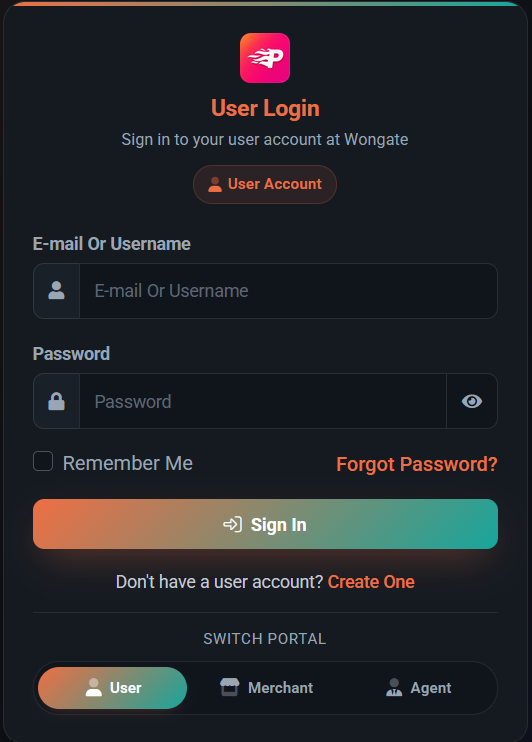
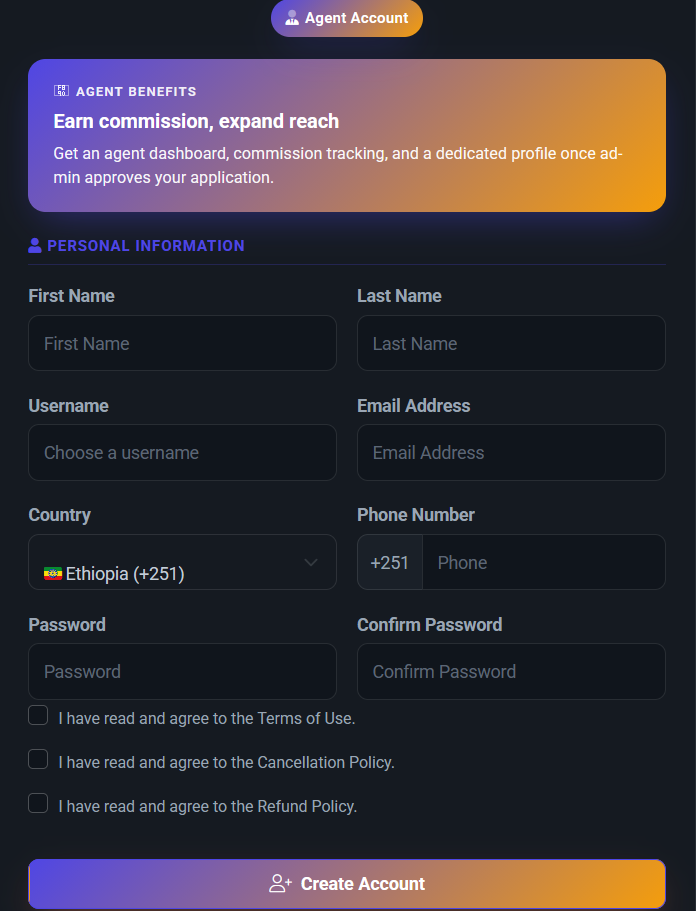
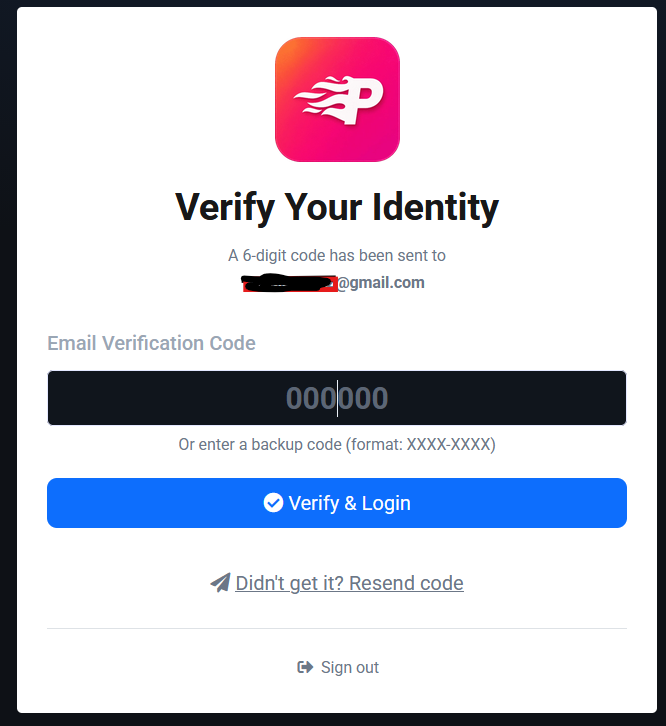
Set up secure entry points and route new users and agents through an accountable approval journey.
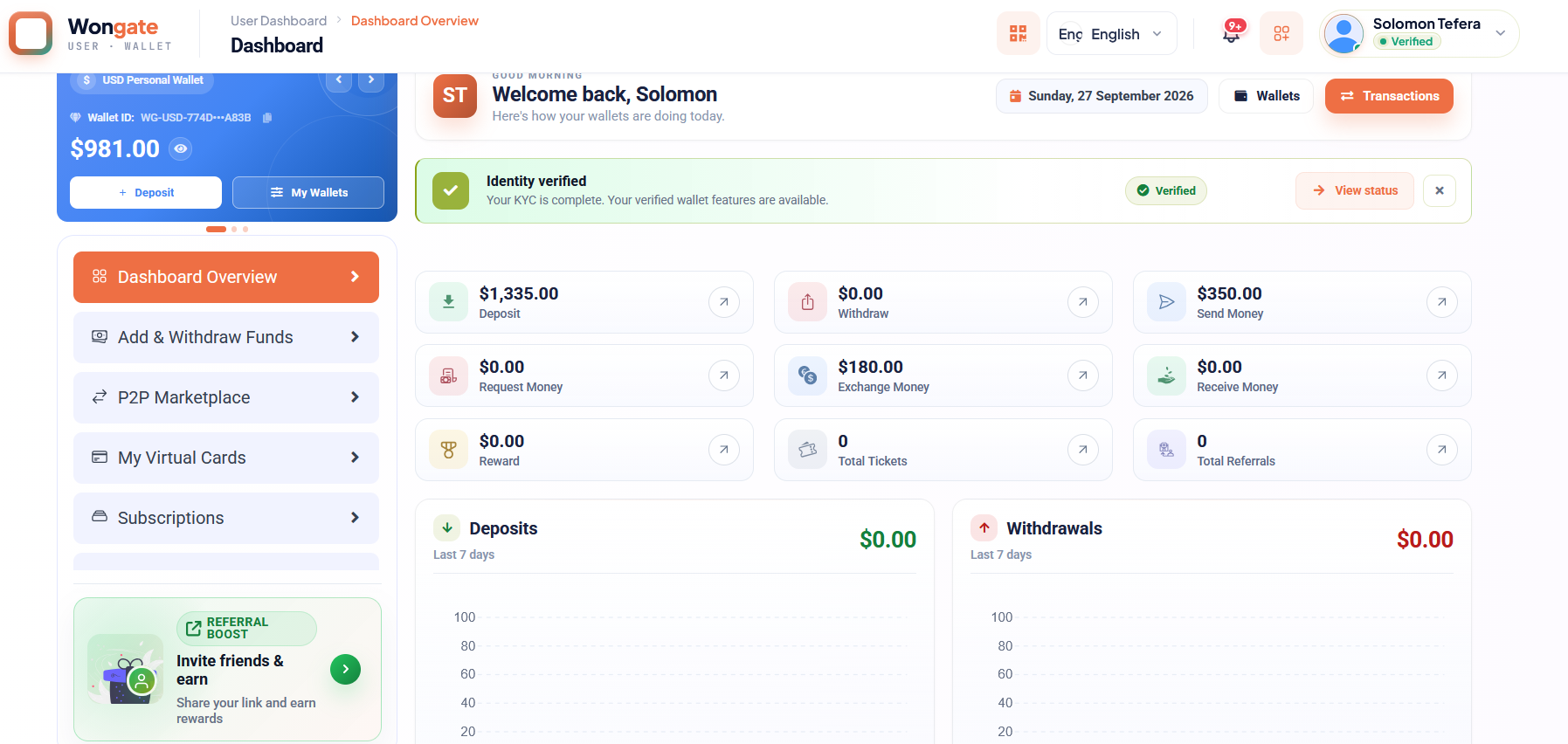
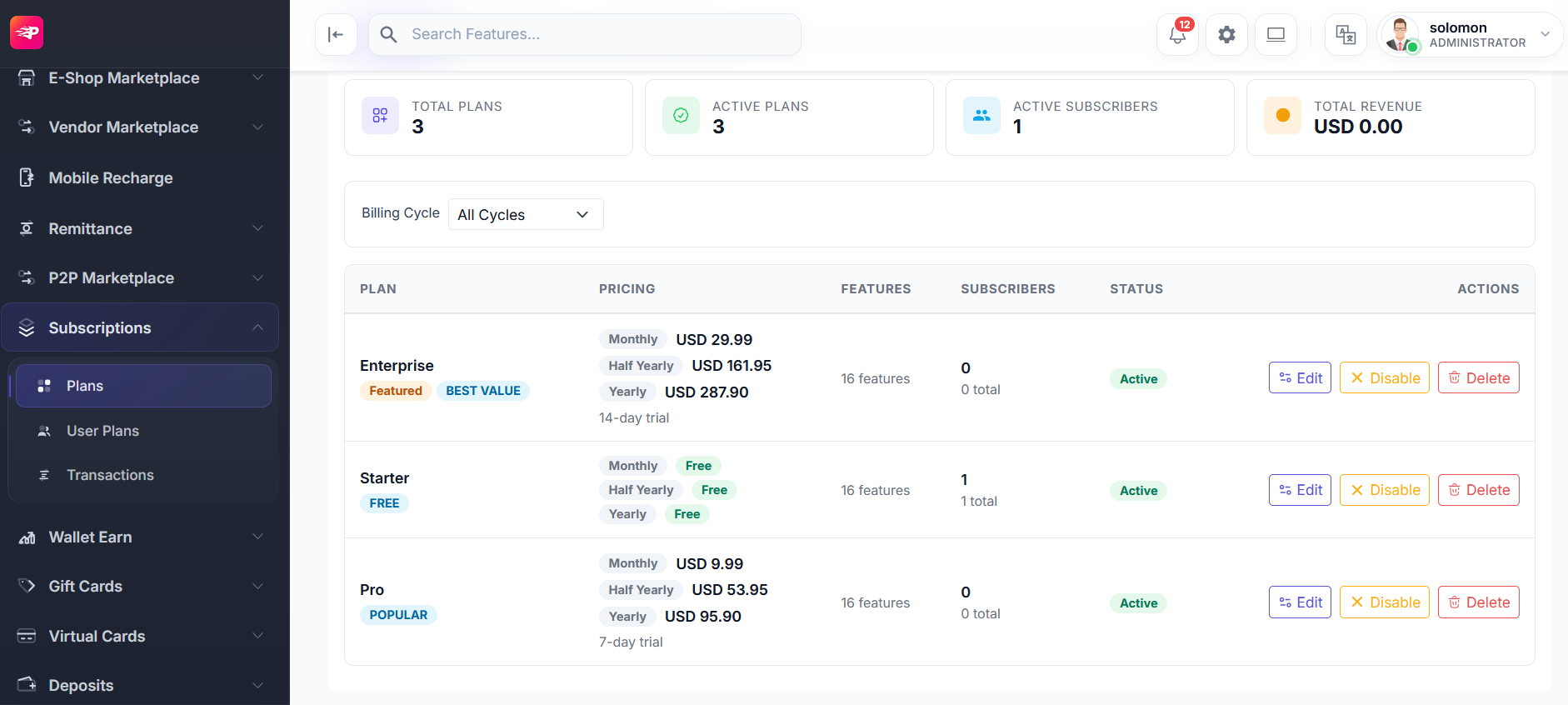
Give customers a clear view of balances, identity status, transactions, remittance, and plans.
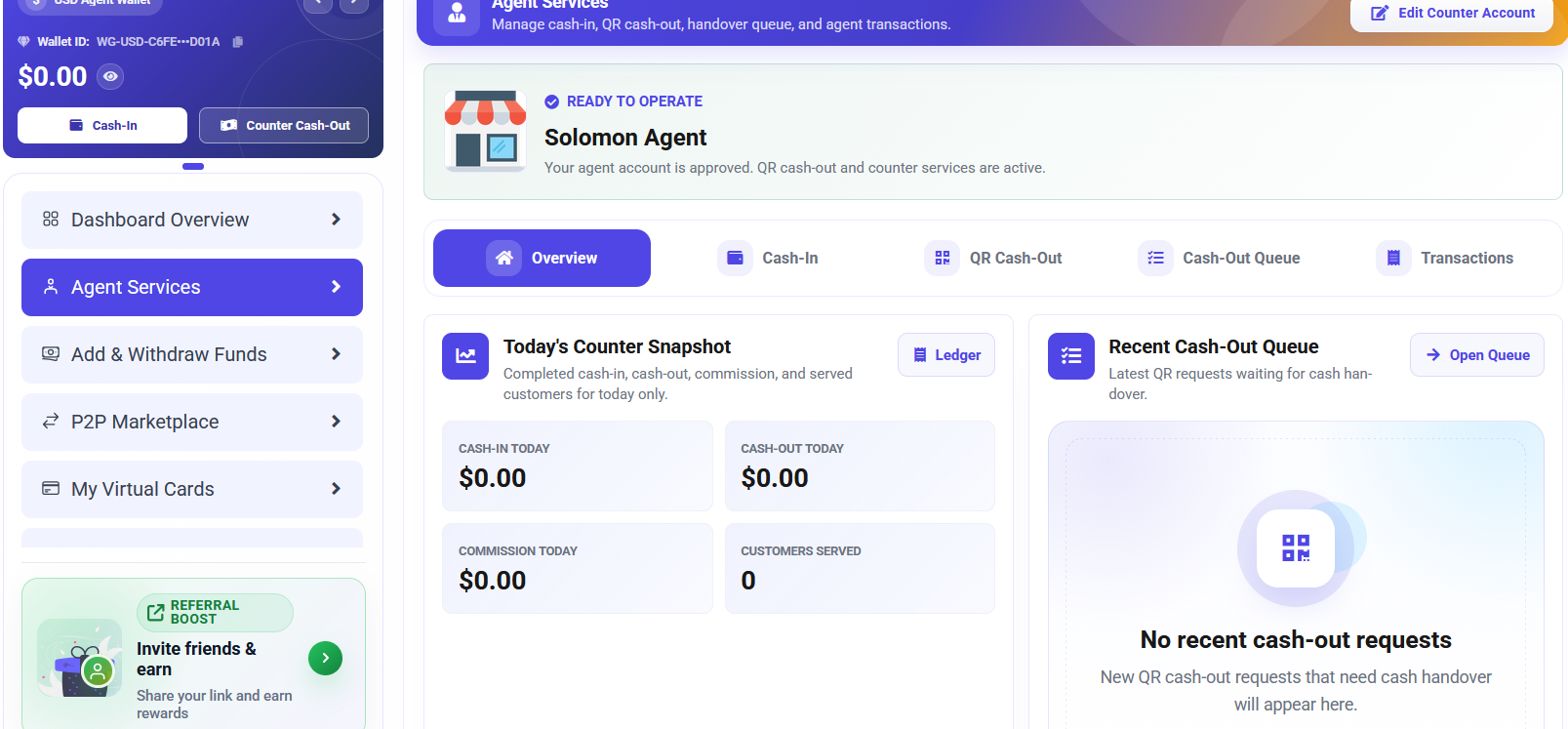
Support cash-in and cash-out operations with queues, approvals, commissions, and clear handover controls.
Connect merchants to wallets, gateways, API credentials, webhooks, and QR collection.
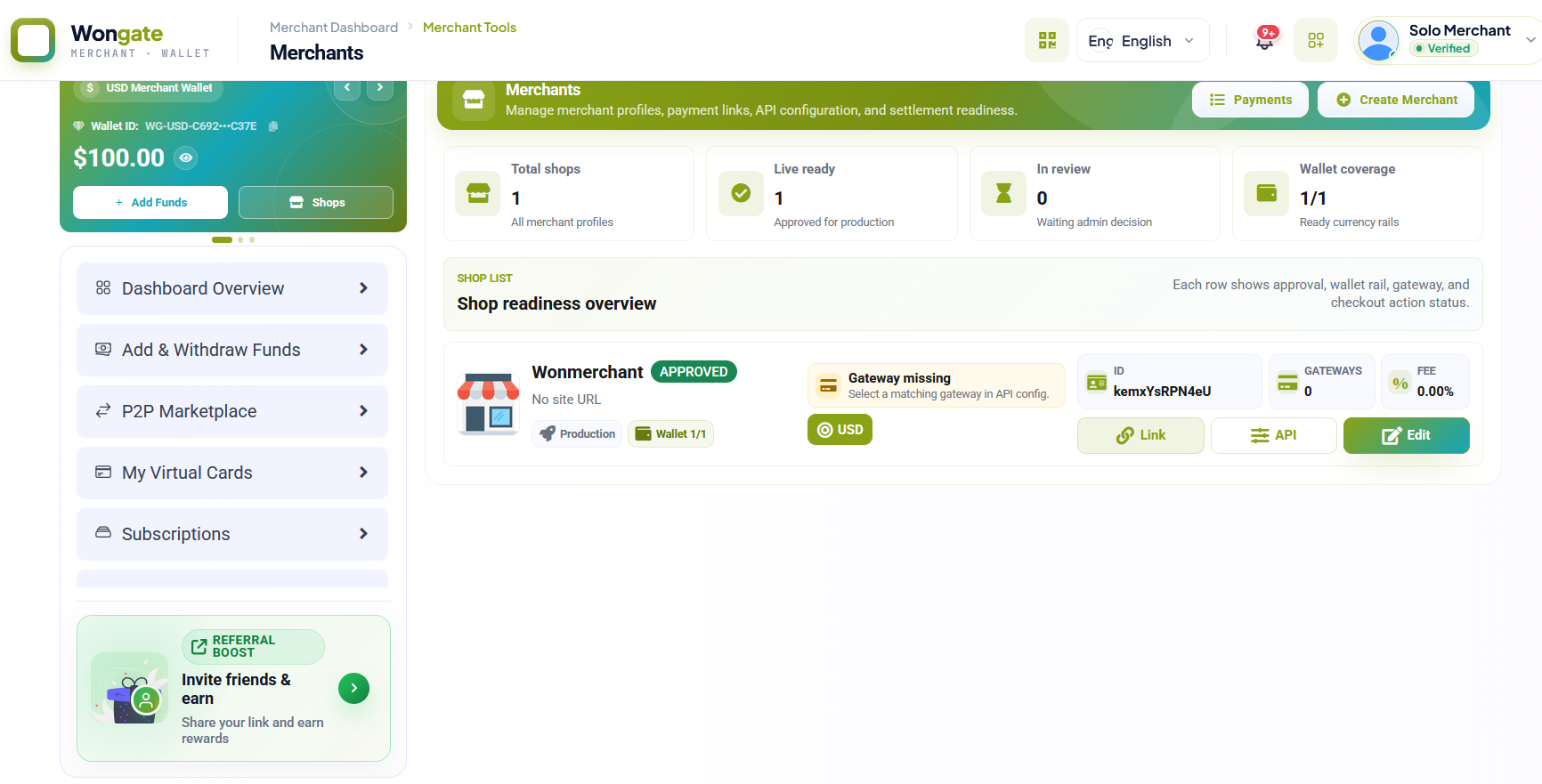
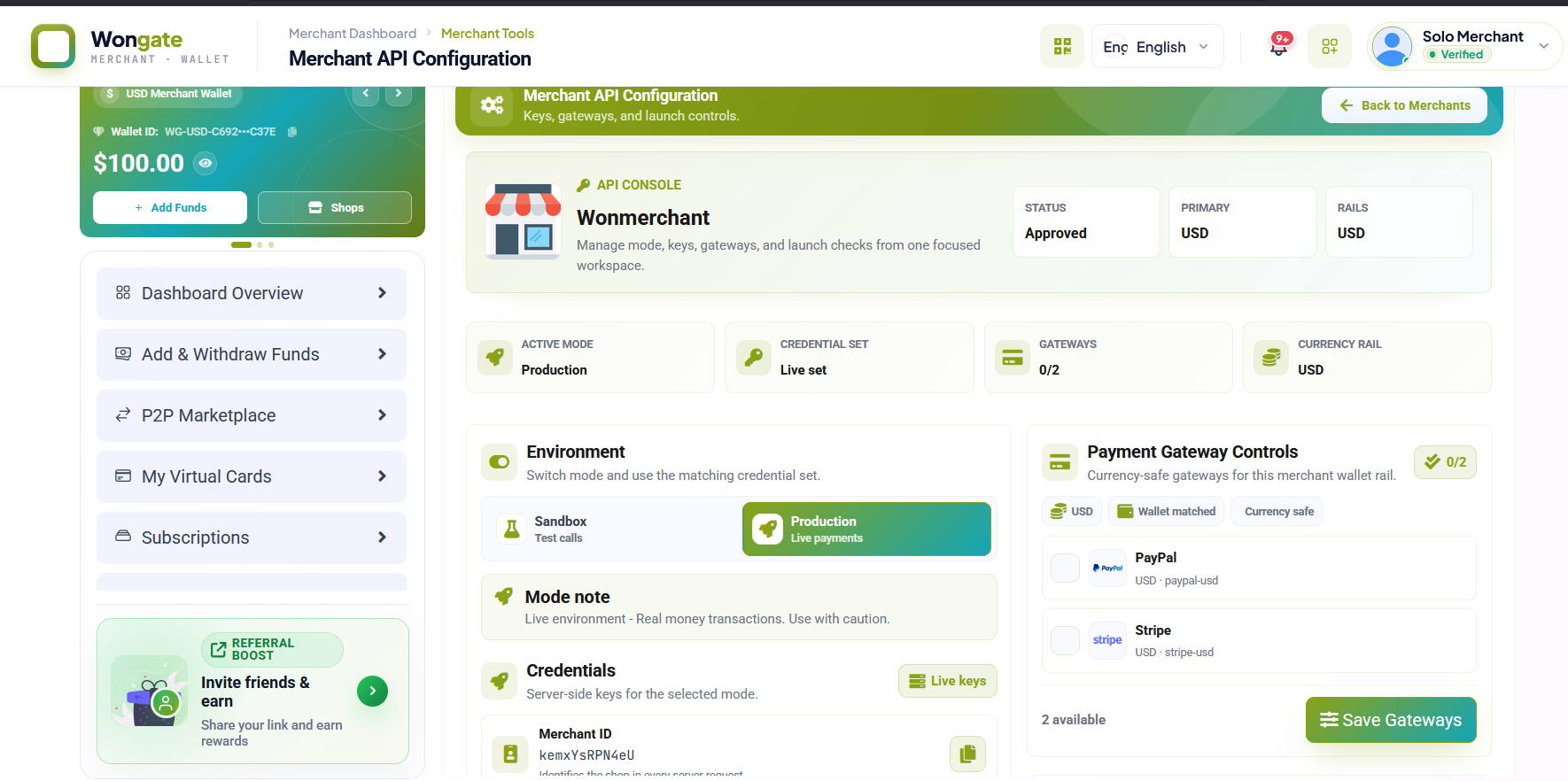
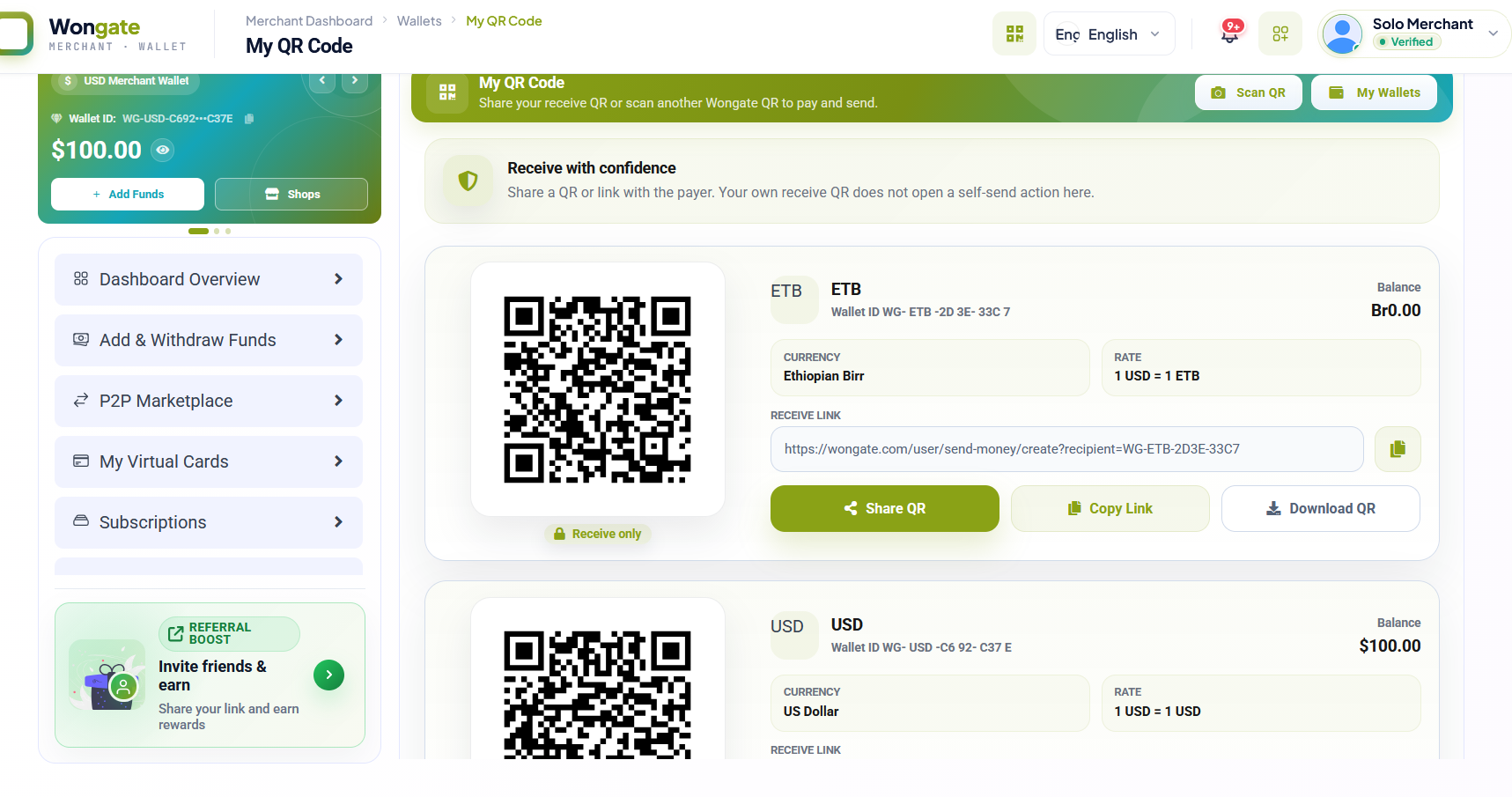
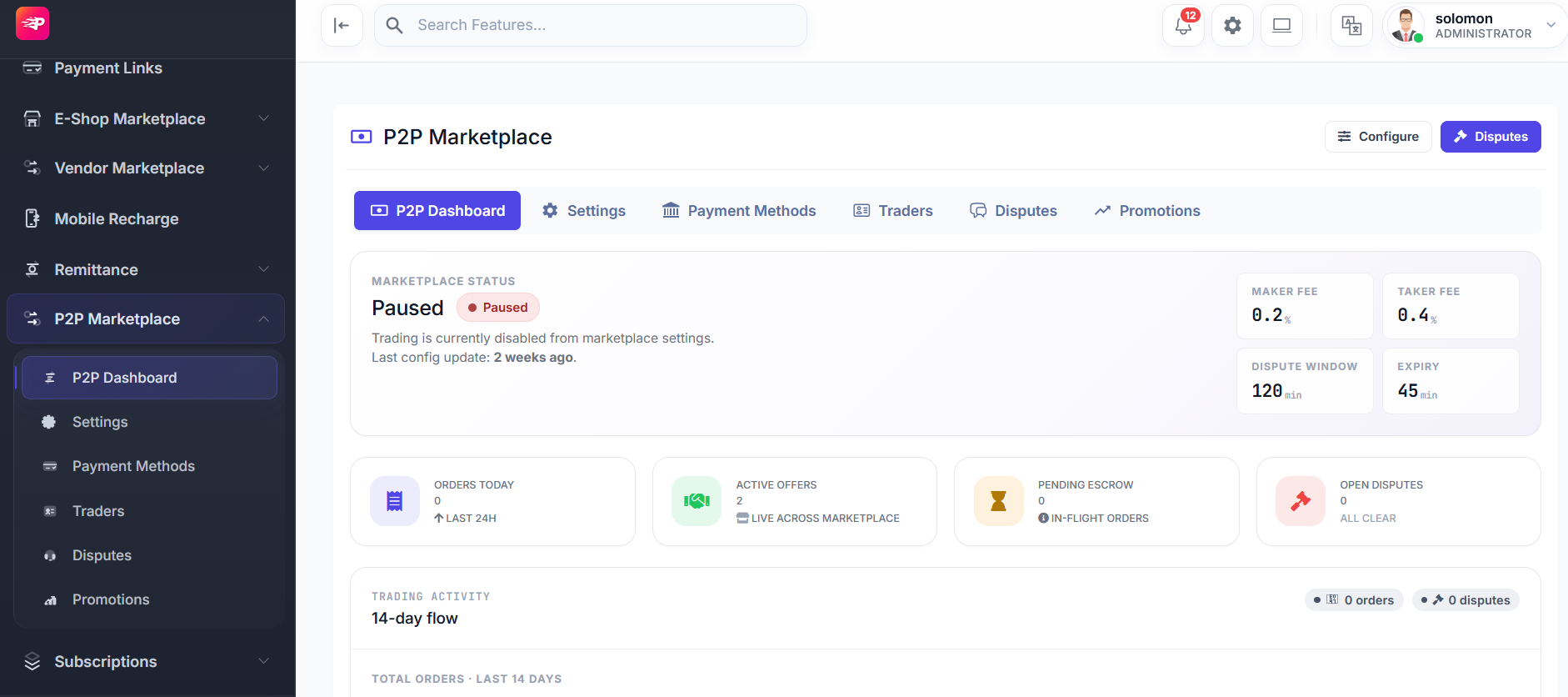
Configure peer-to-peer offers, products, vendors, escrow, commissions, and order limits.
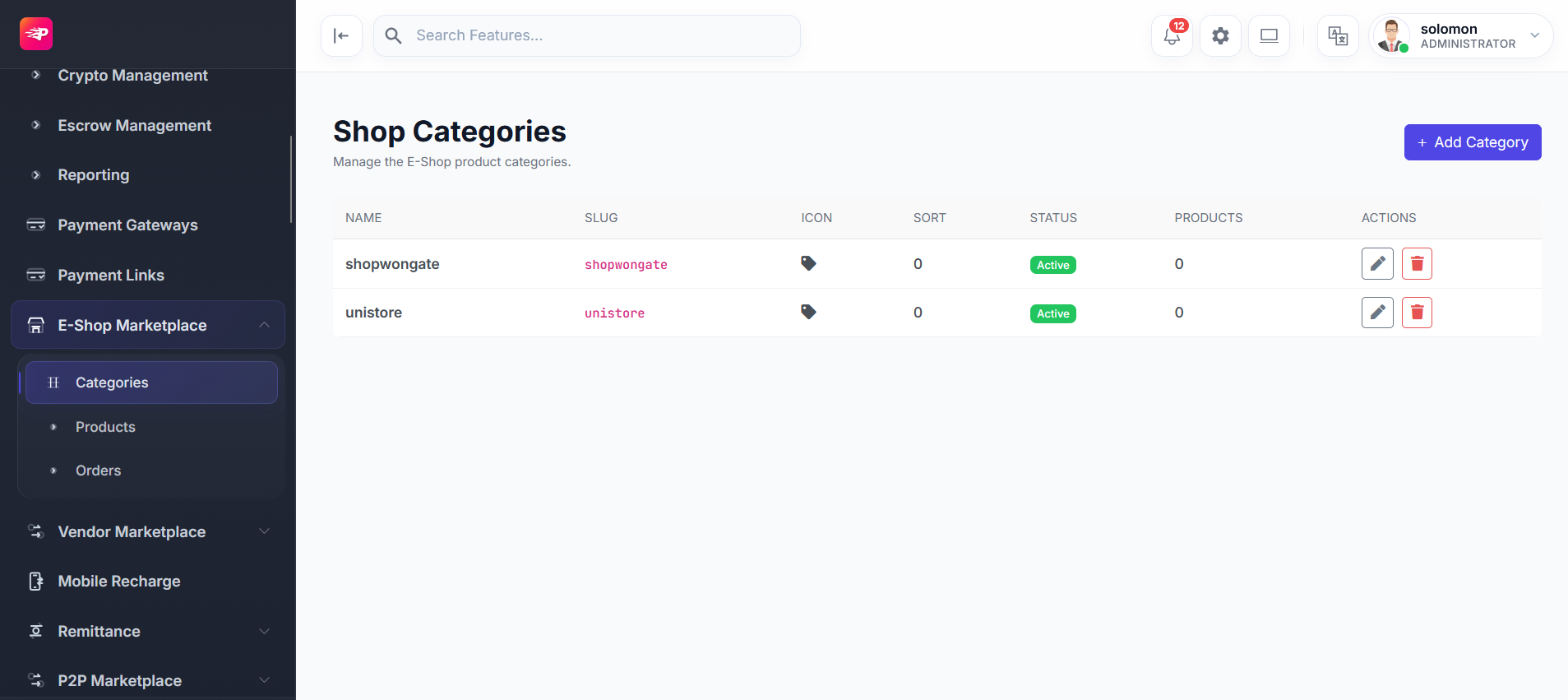
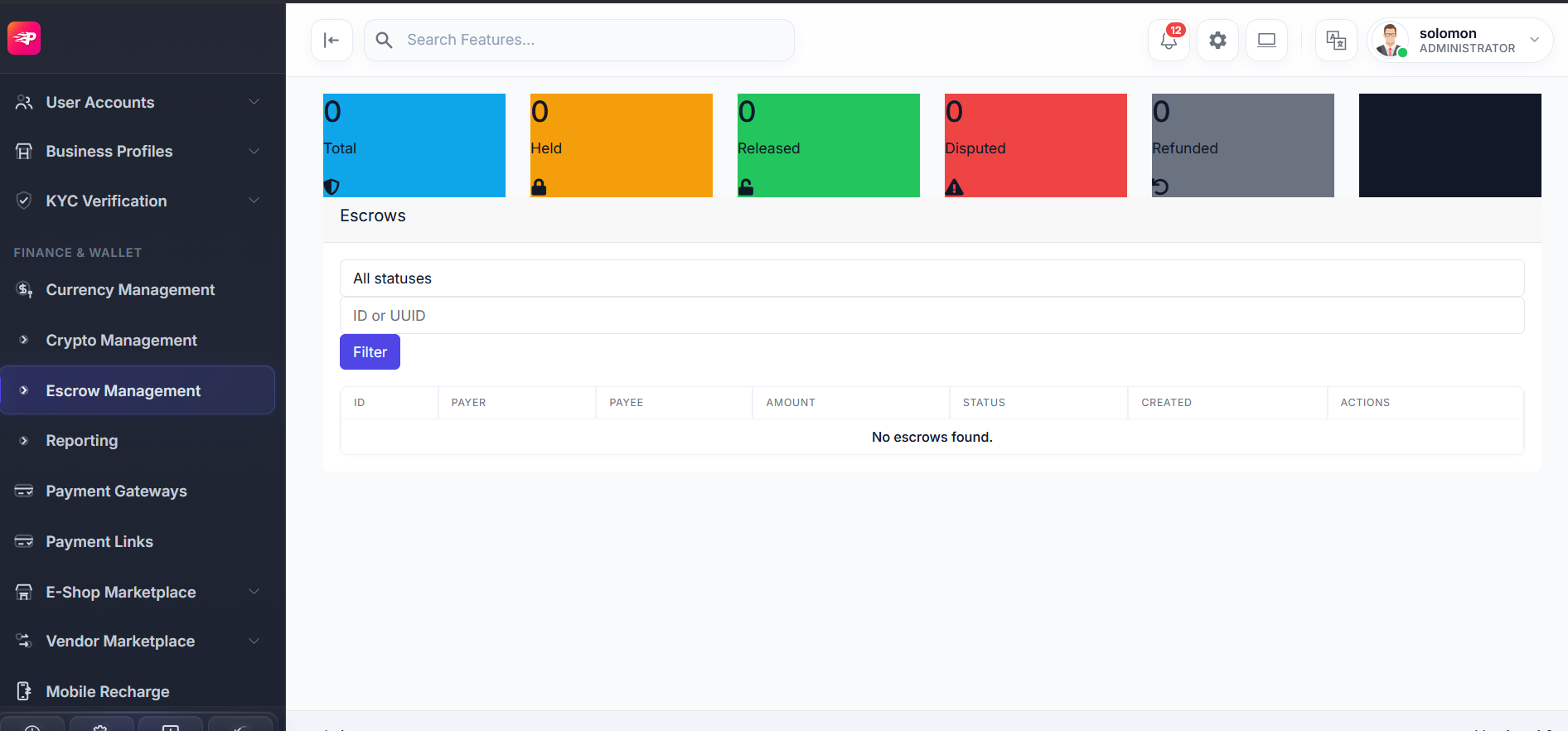
Manage virtual card lifecycle, cardholders, providers, and crypto asset configuration.
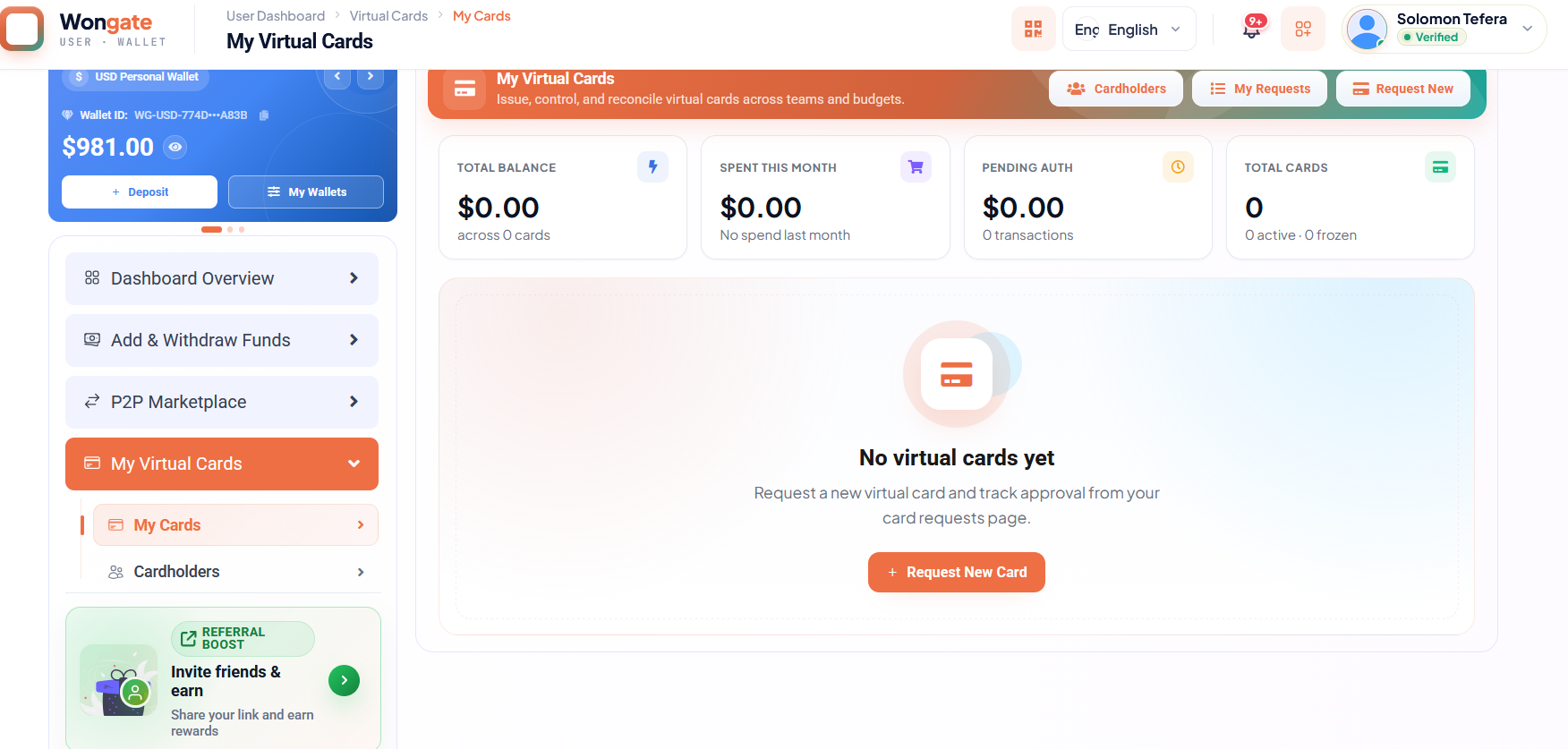
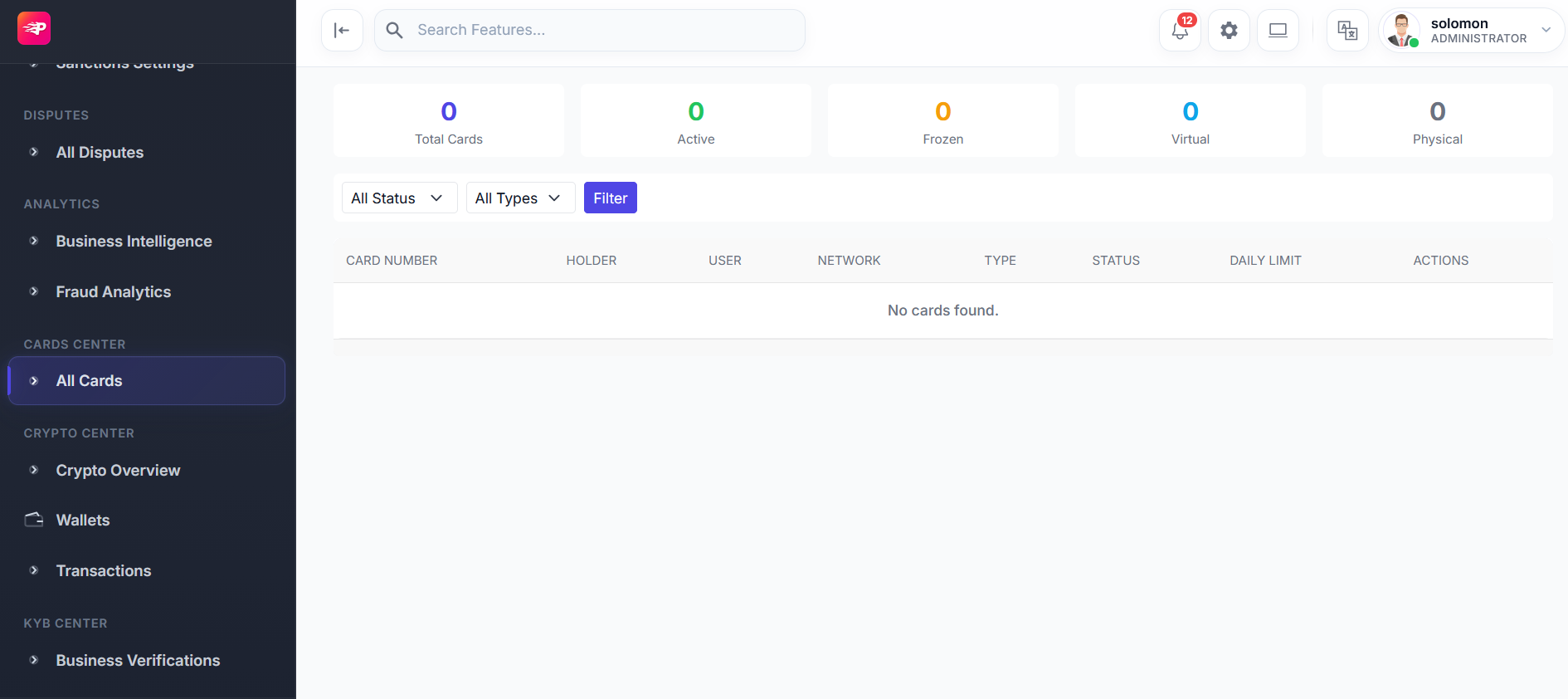
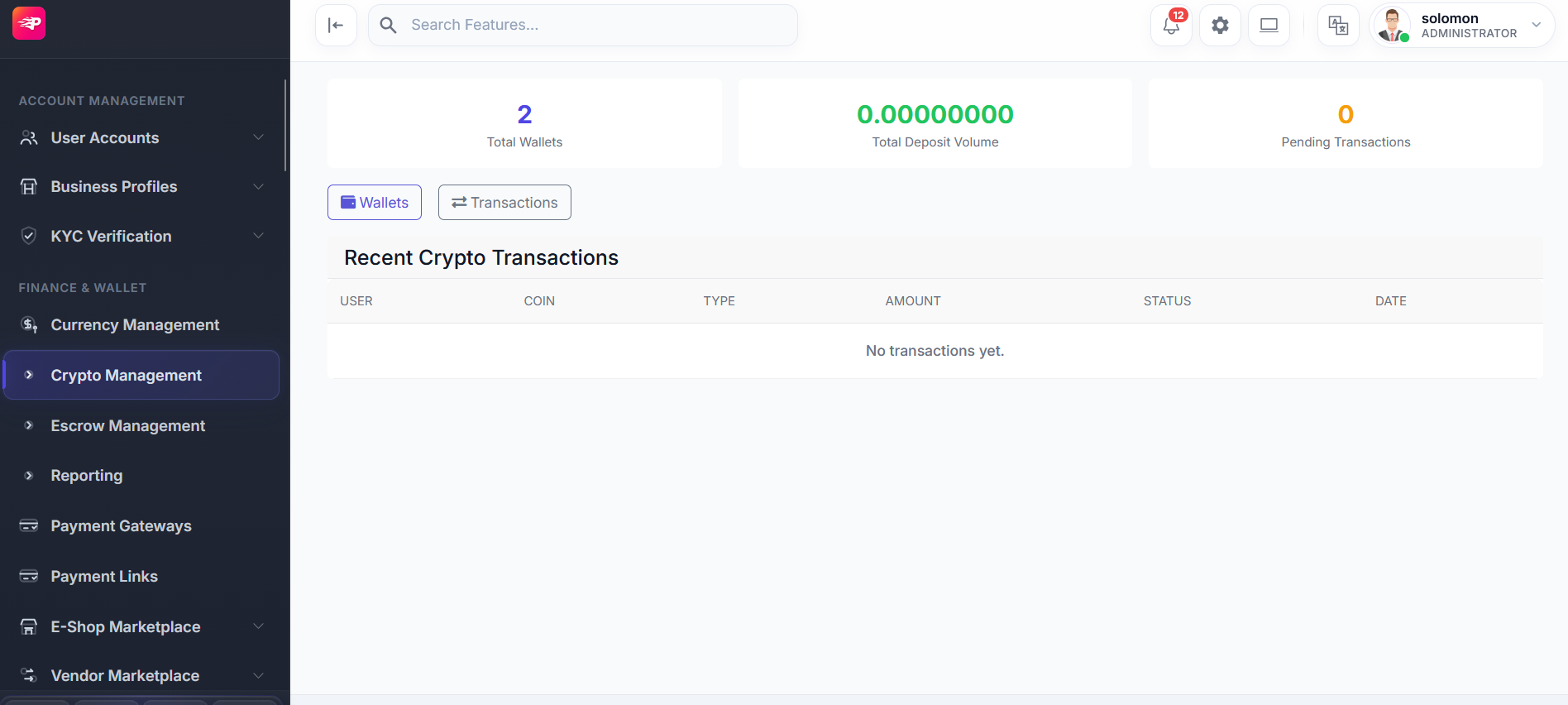
Keep the operation observable with queues, user management, treasury settings, deposits, ledger, and reconciliation.
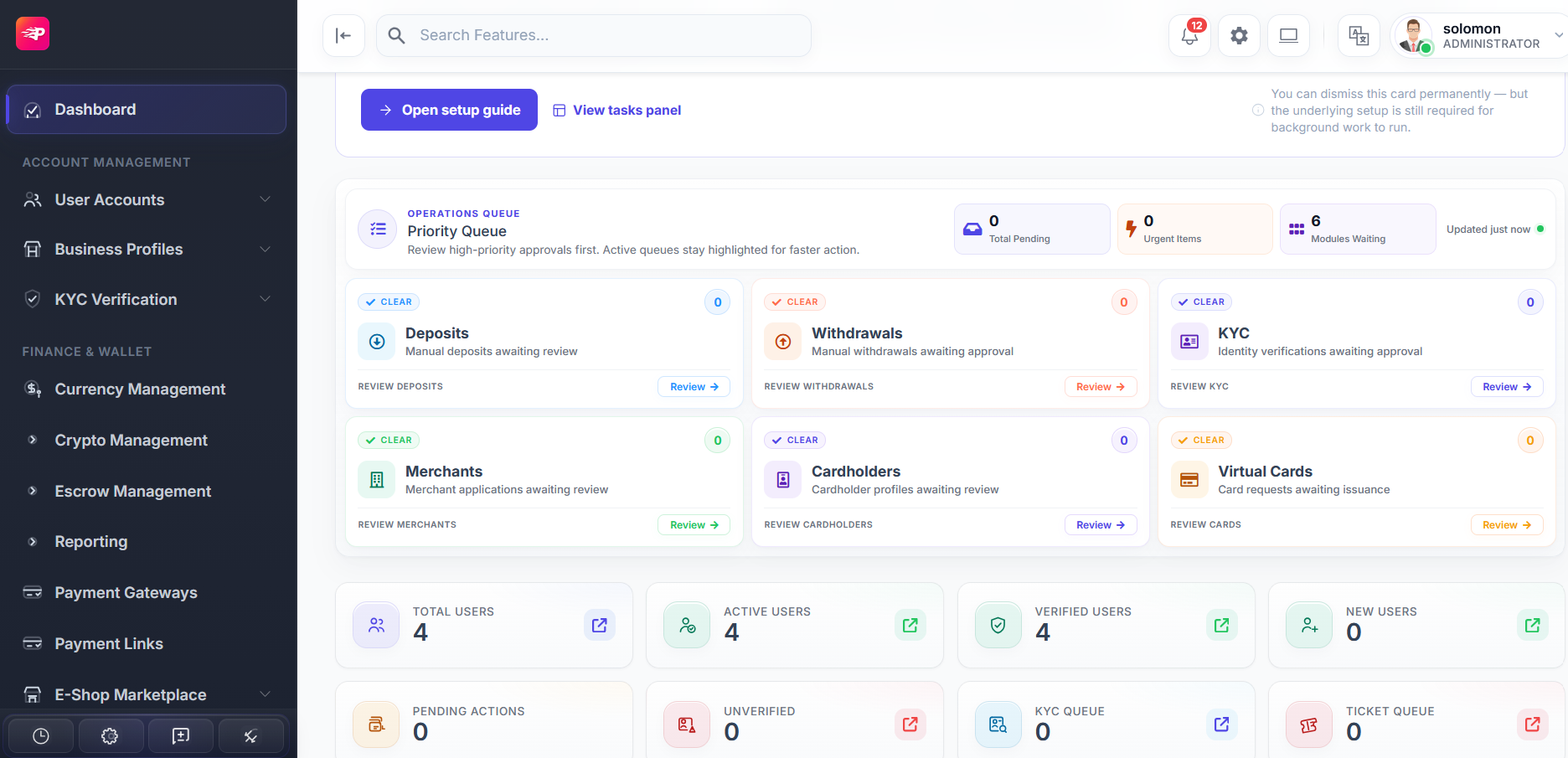
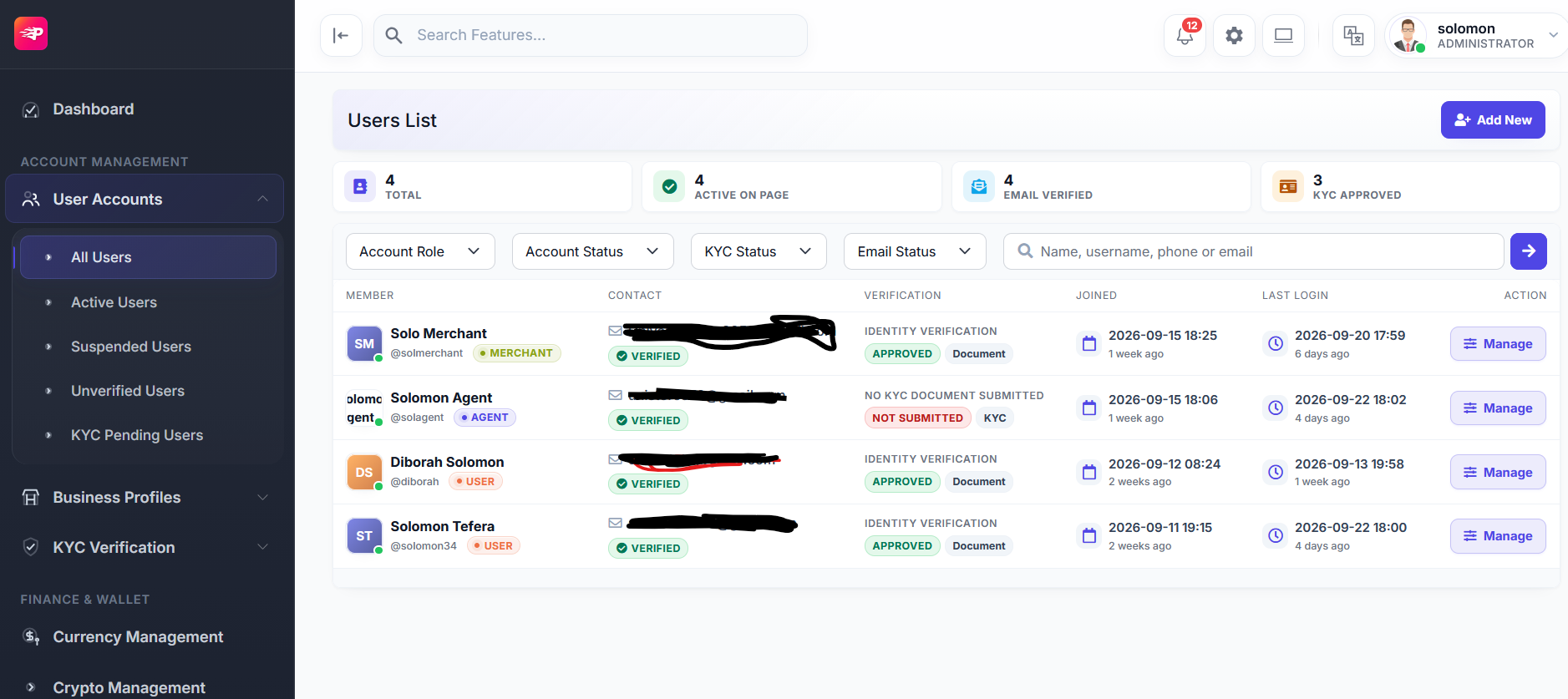
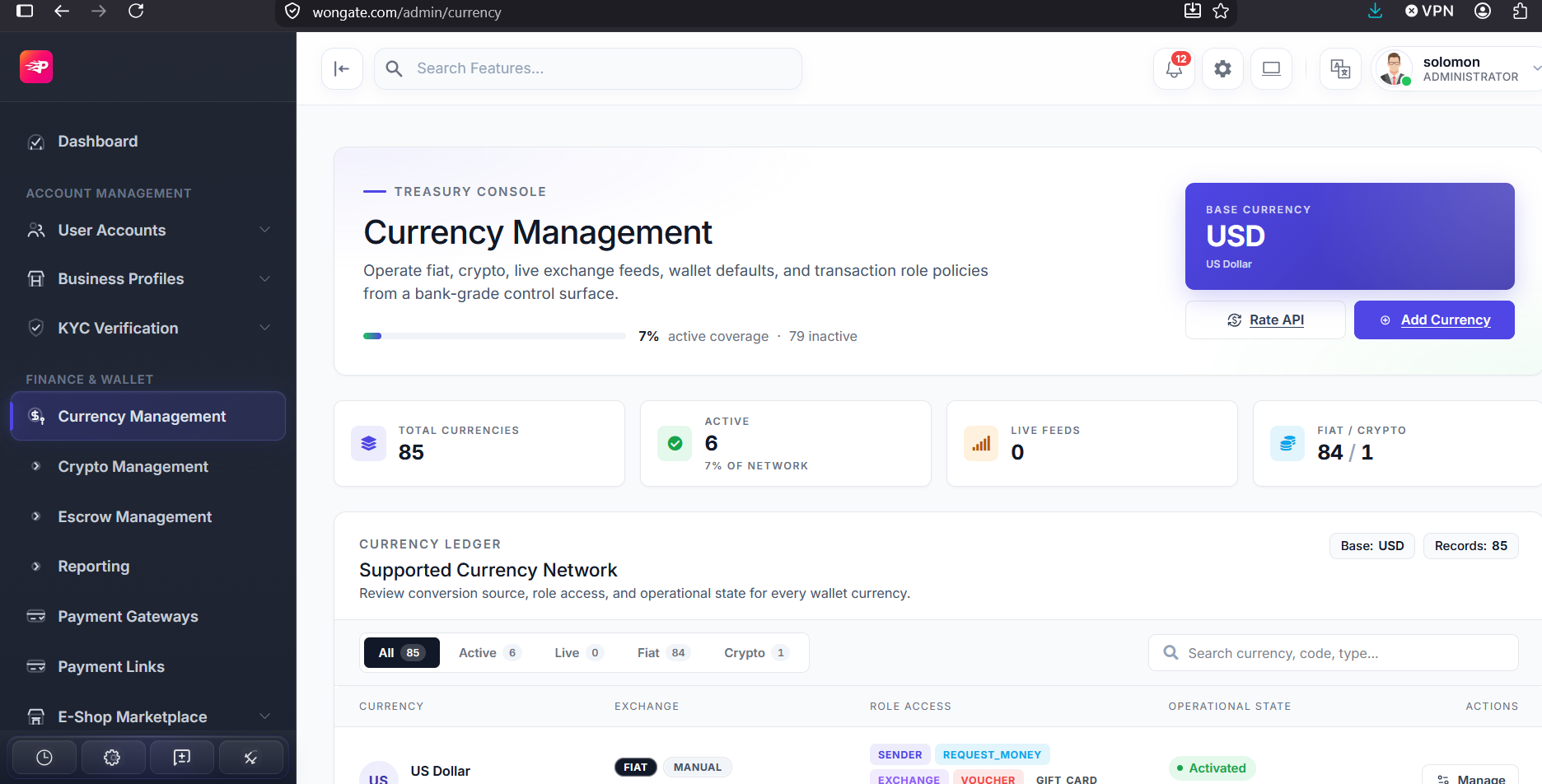
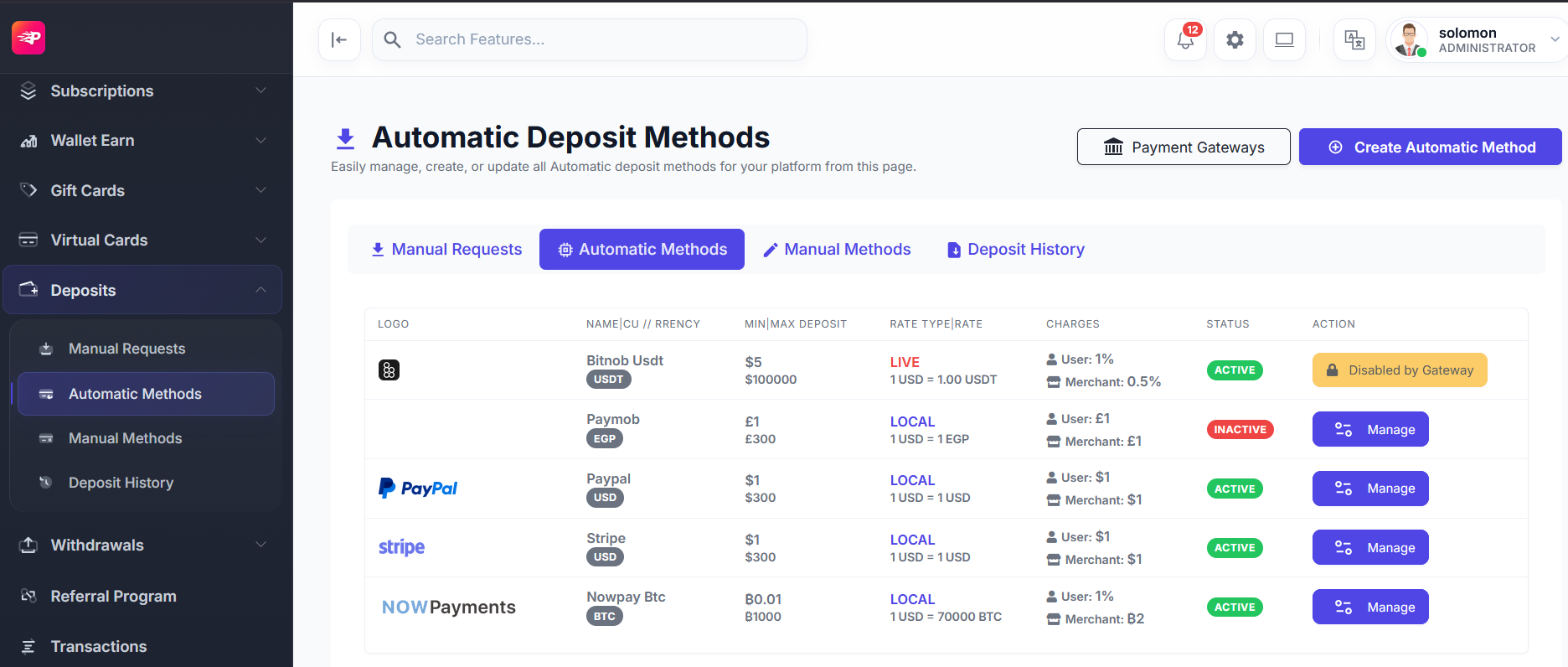
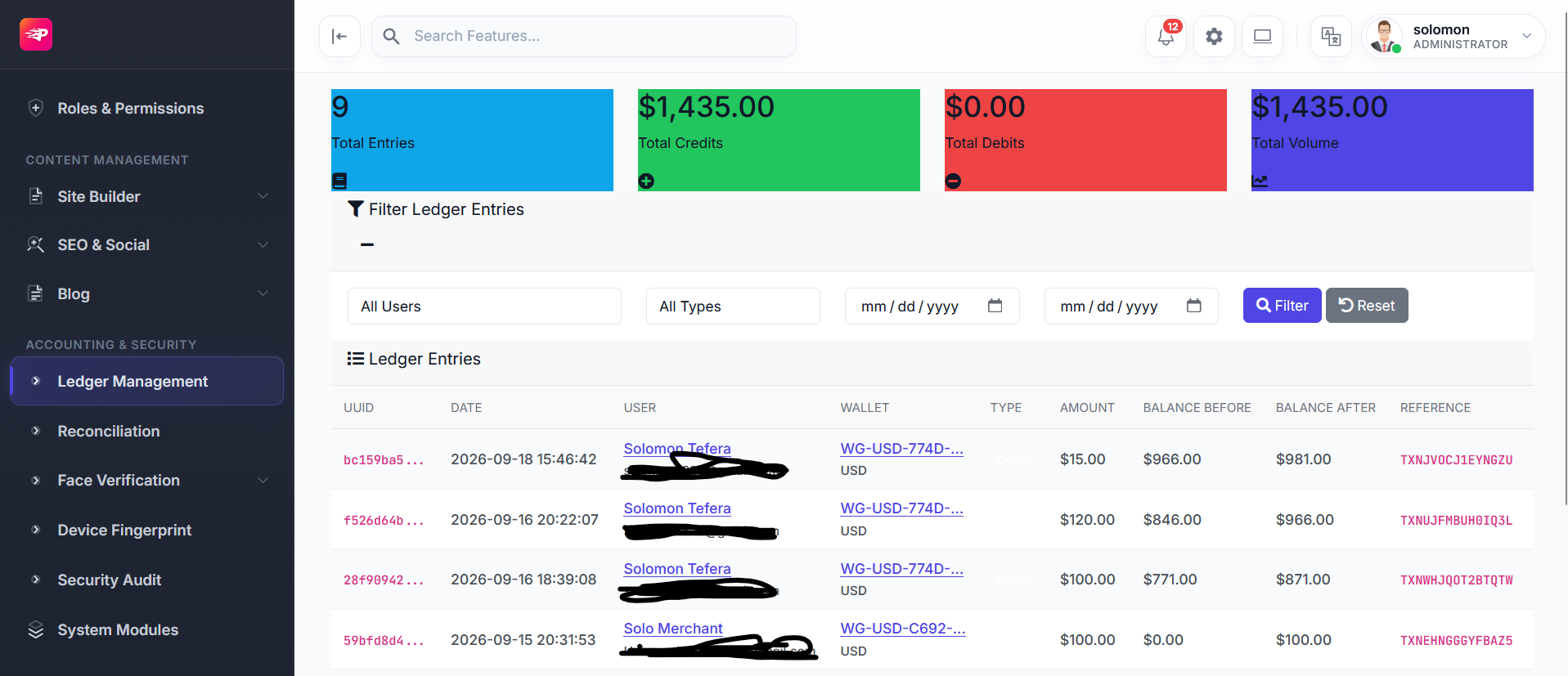
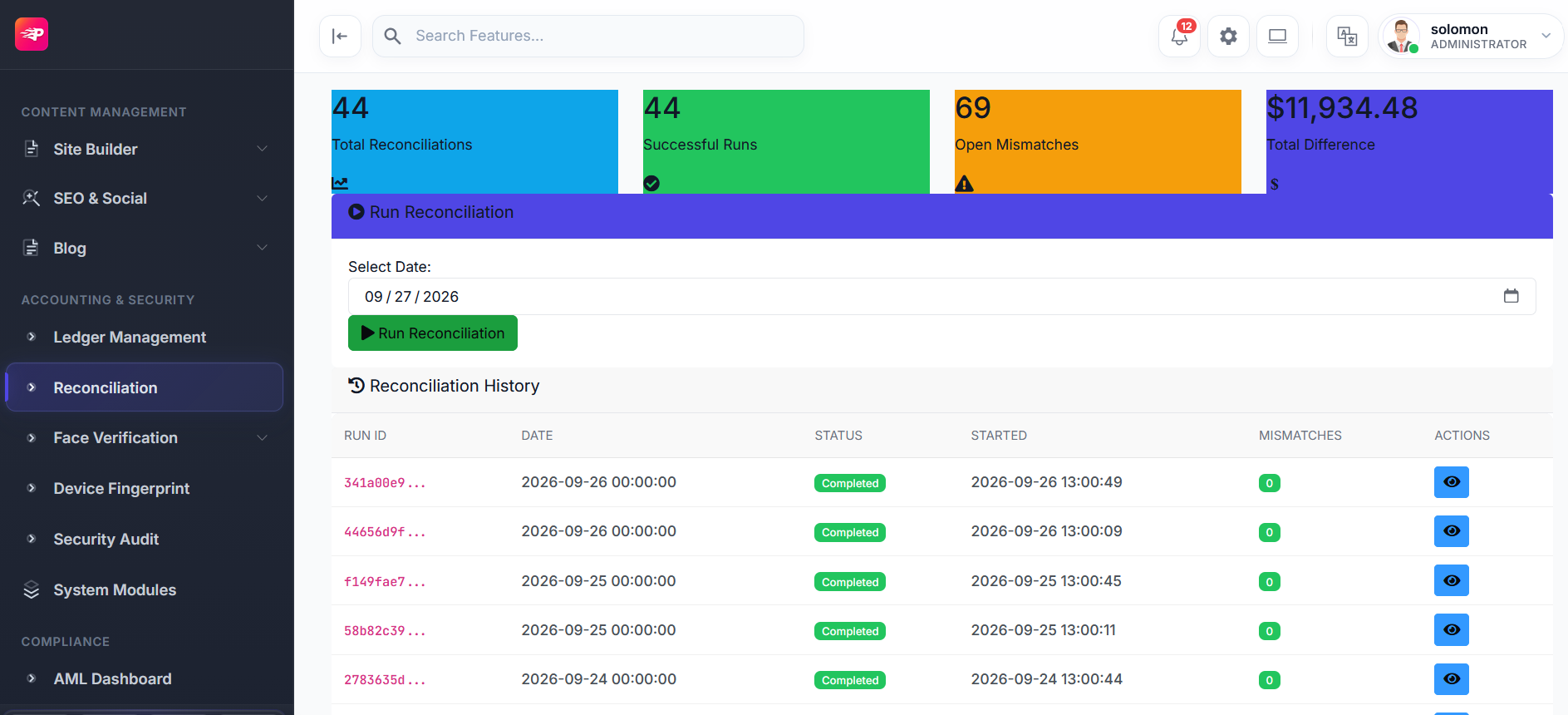
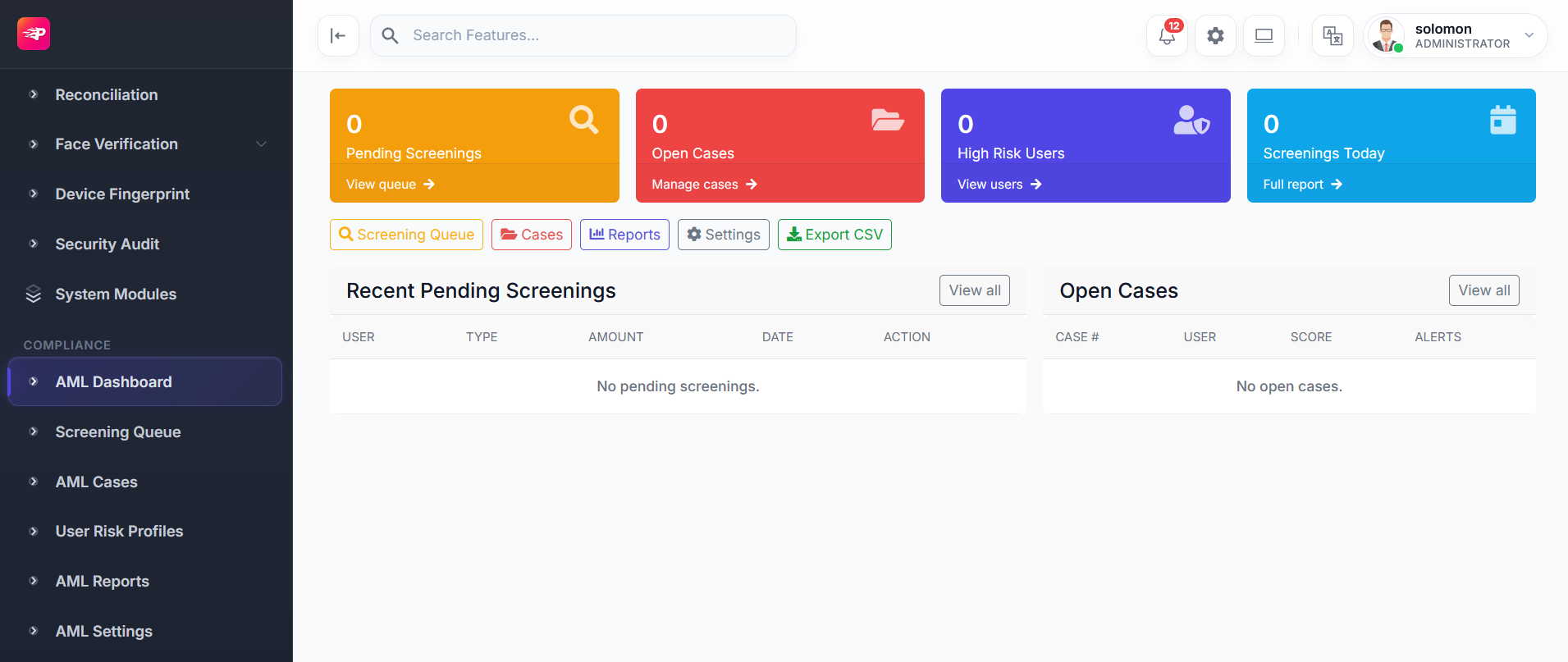
Protect customers and the business with identity, sanctions, fraud, biometrics, permissions, and integrations.
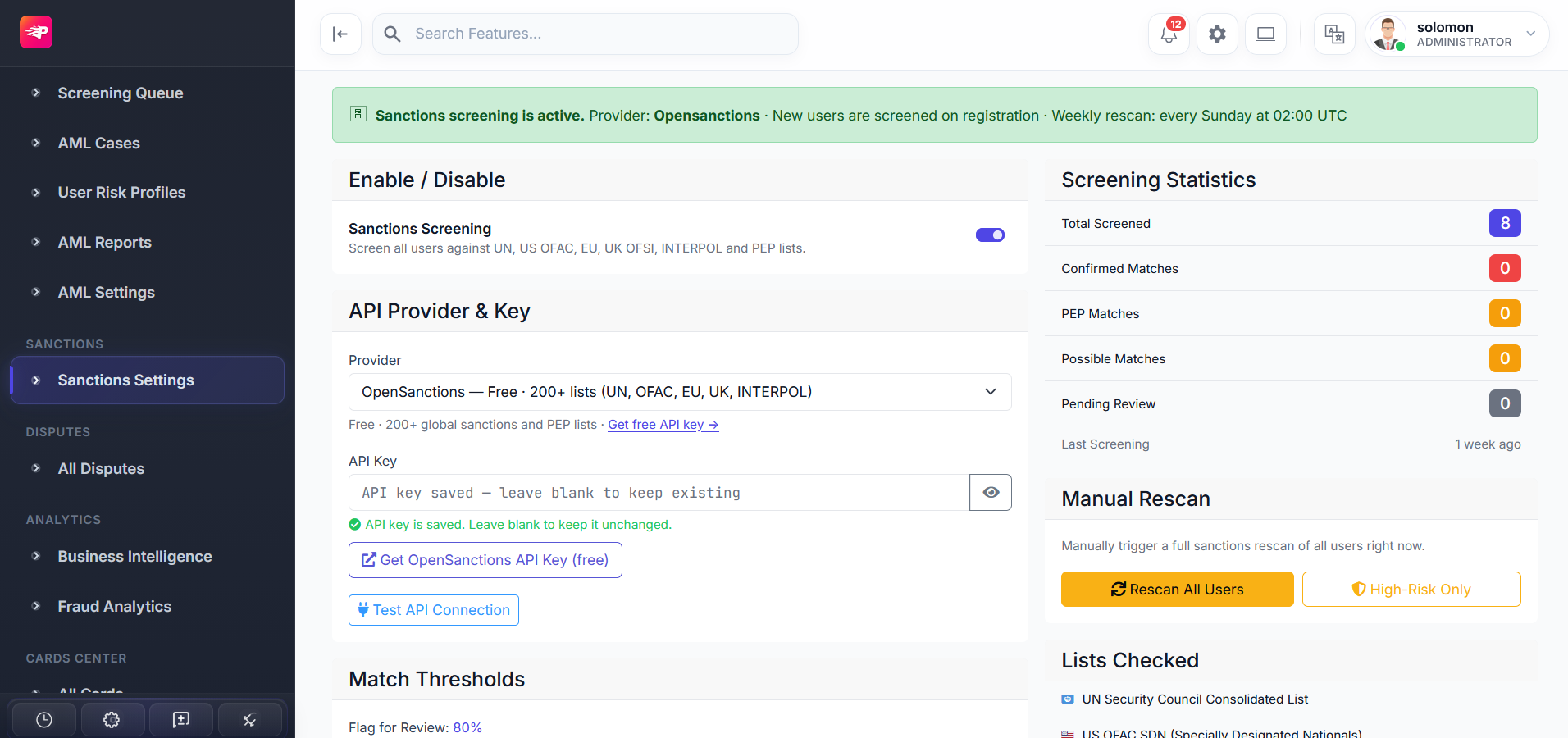
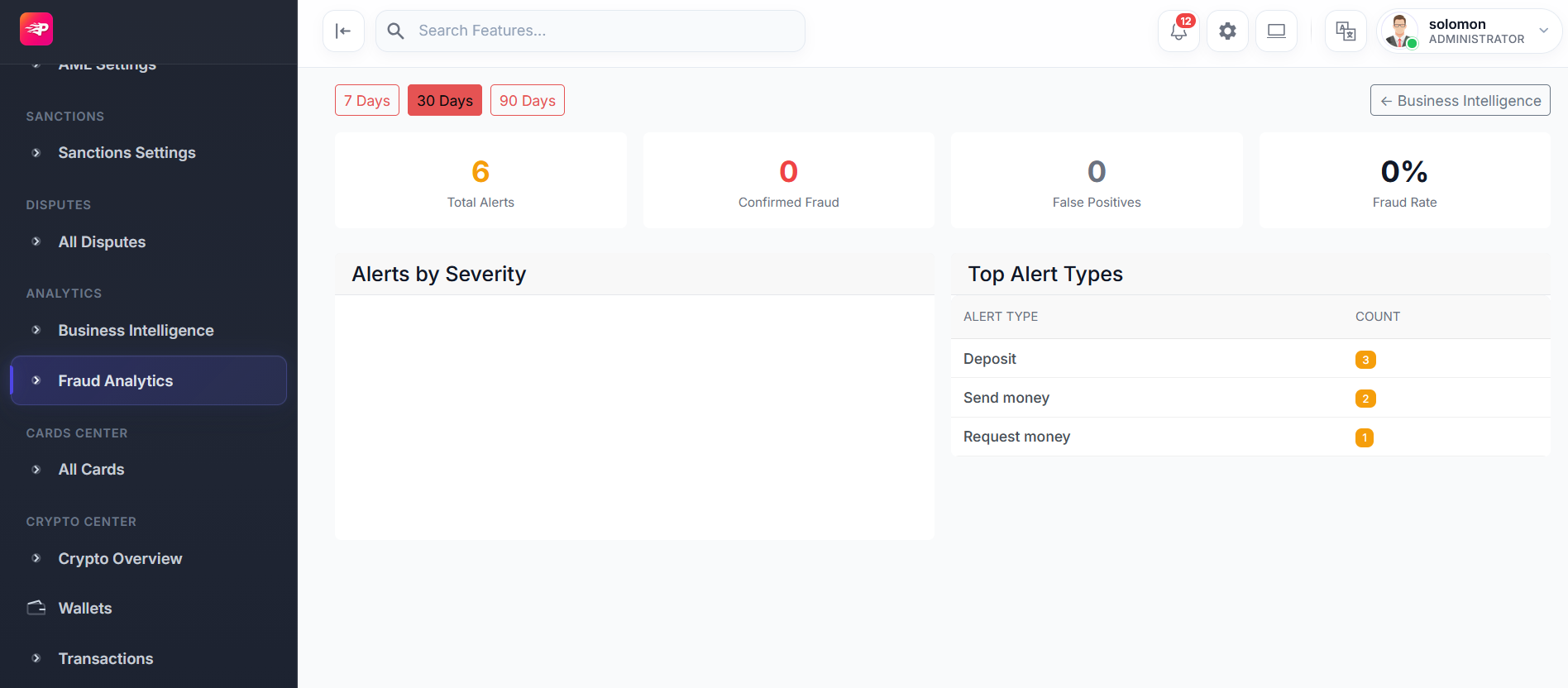
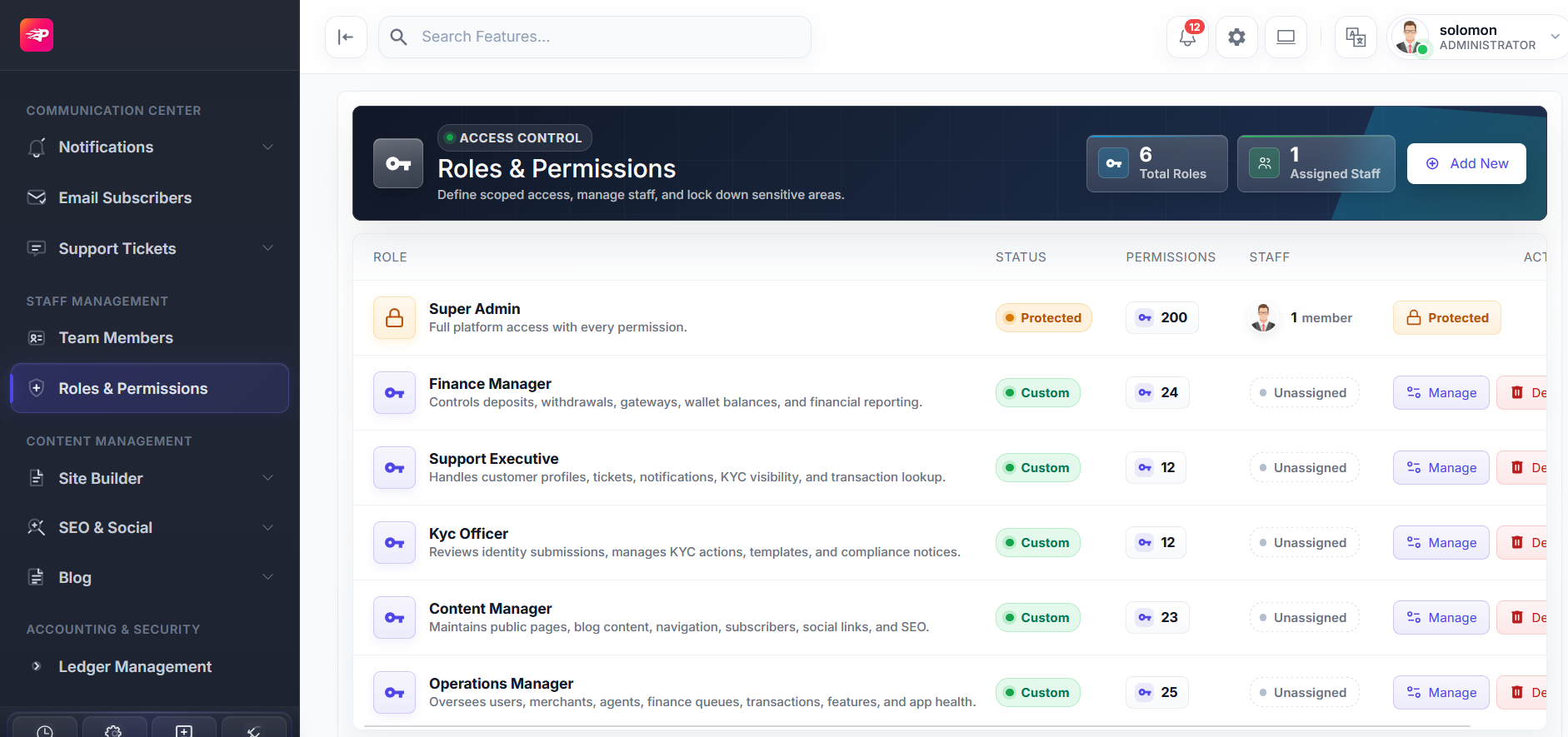
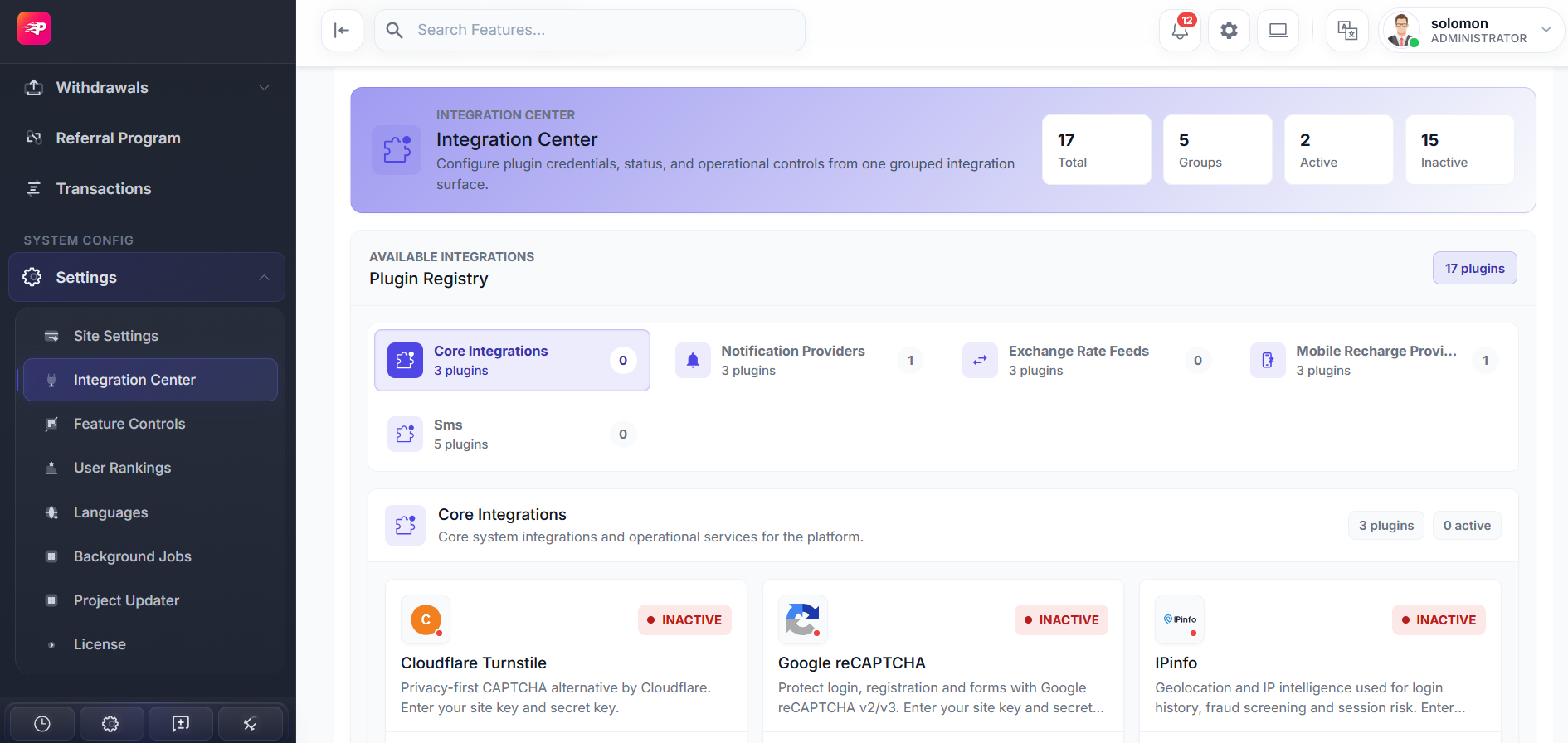
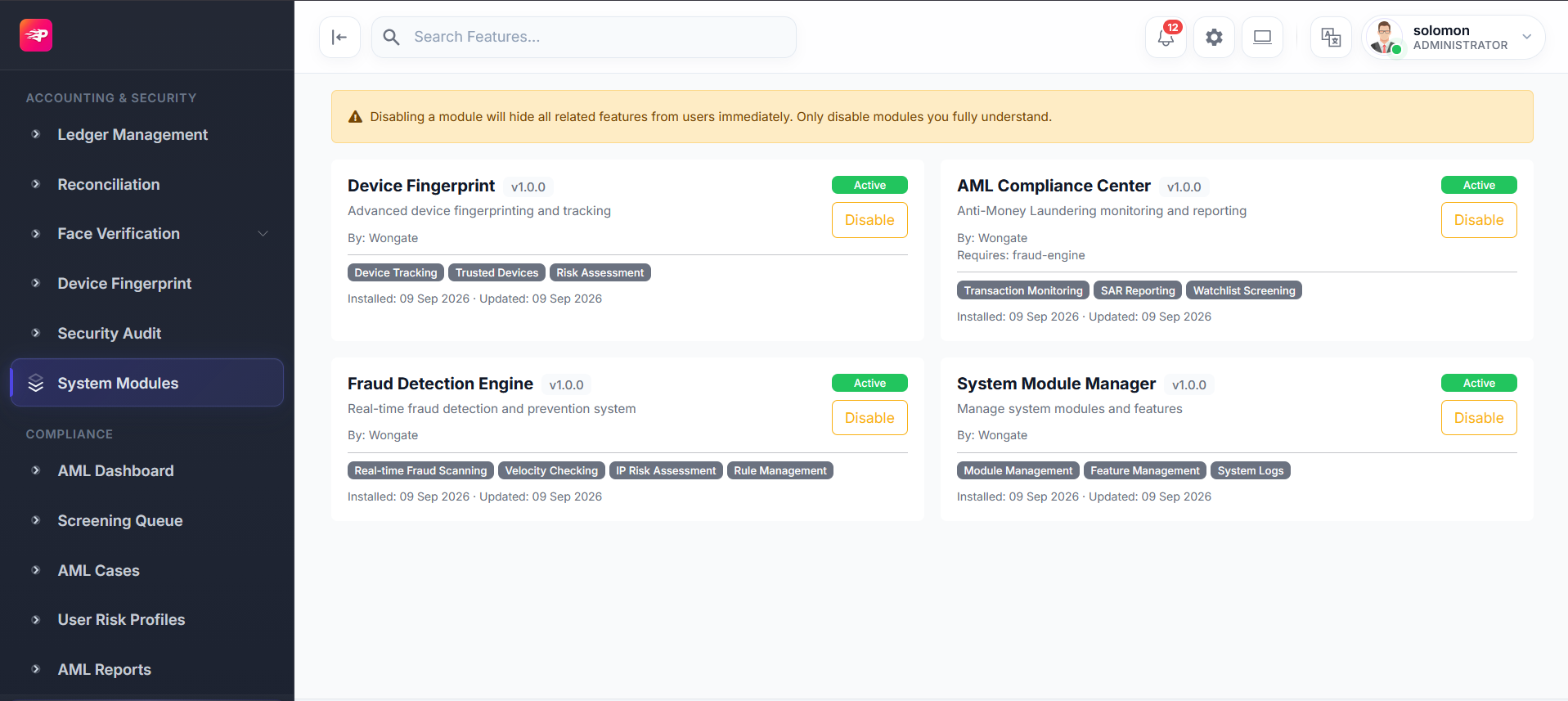
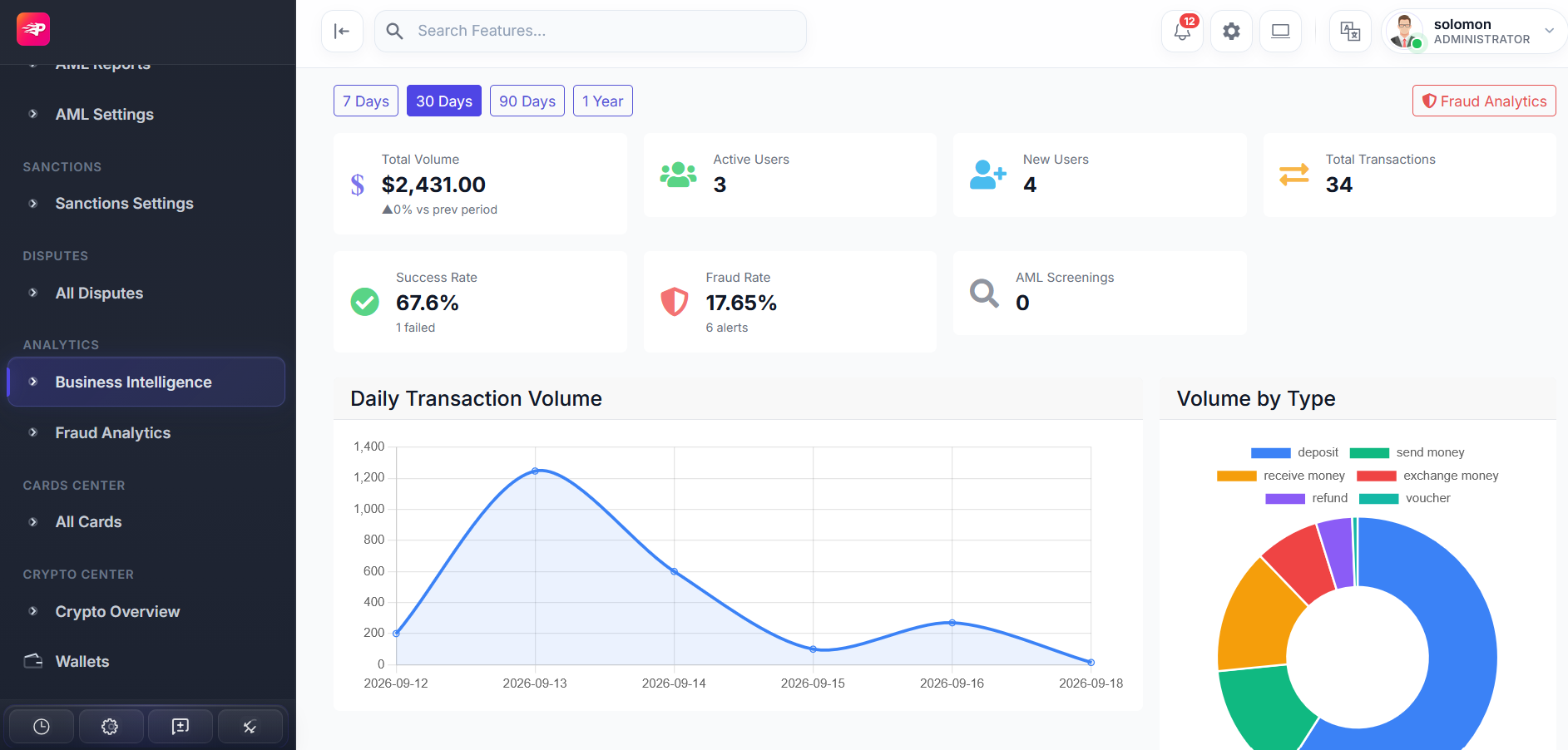
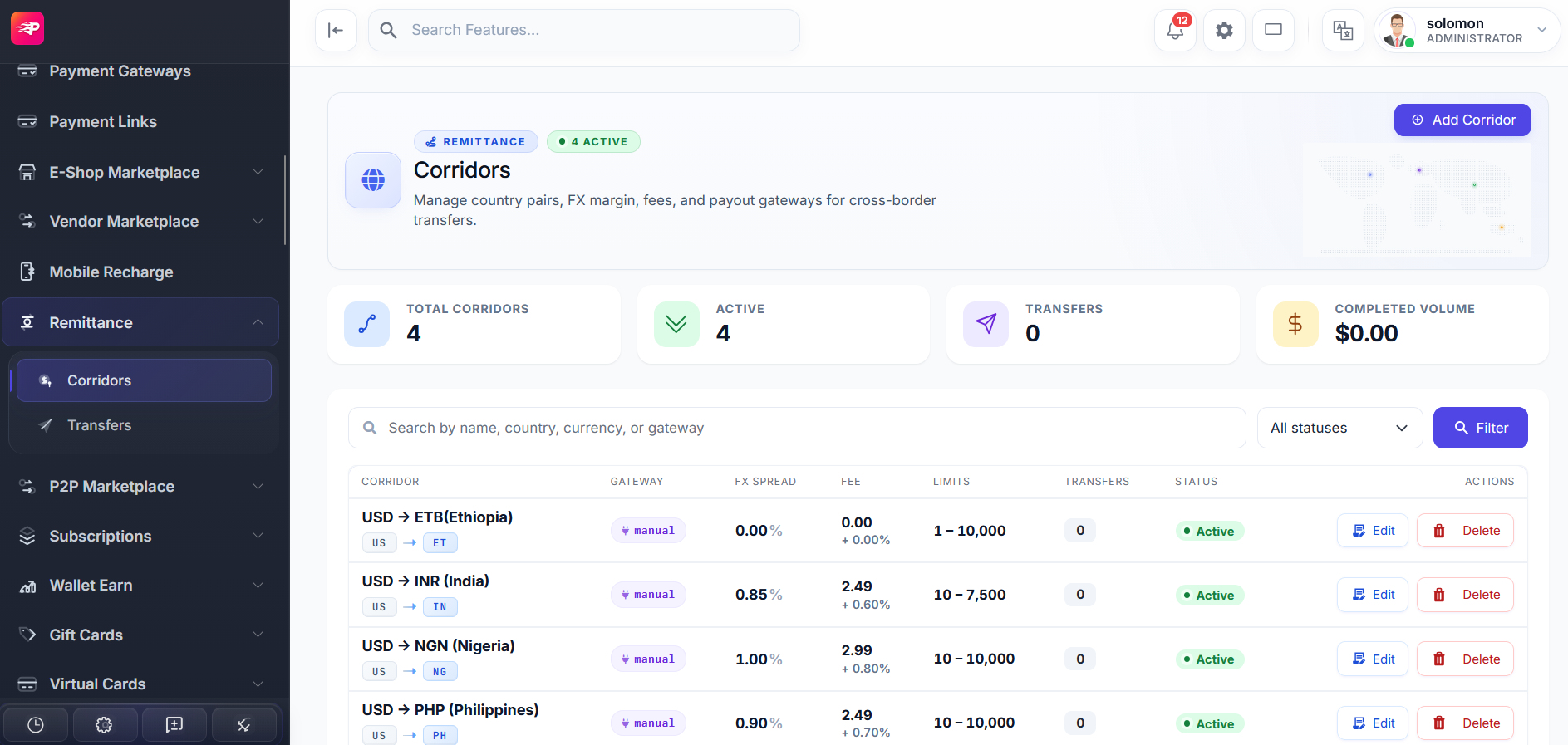
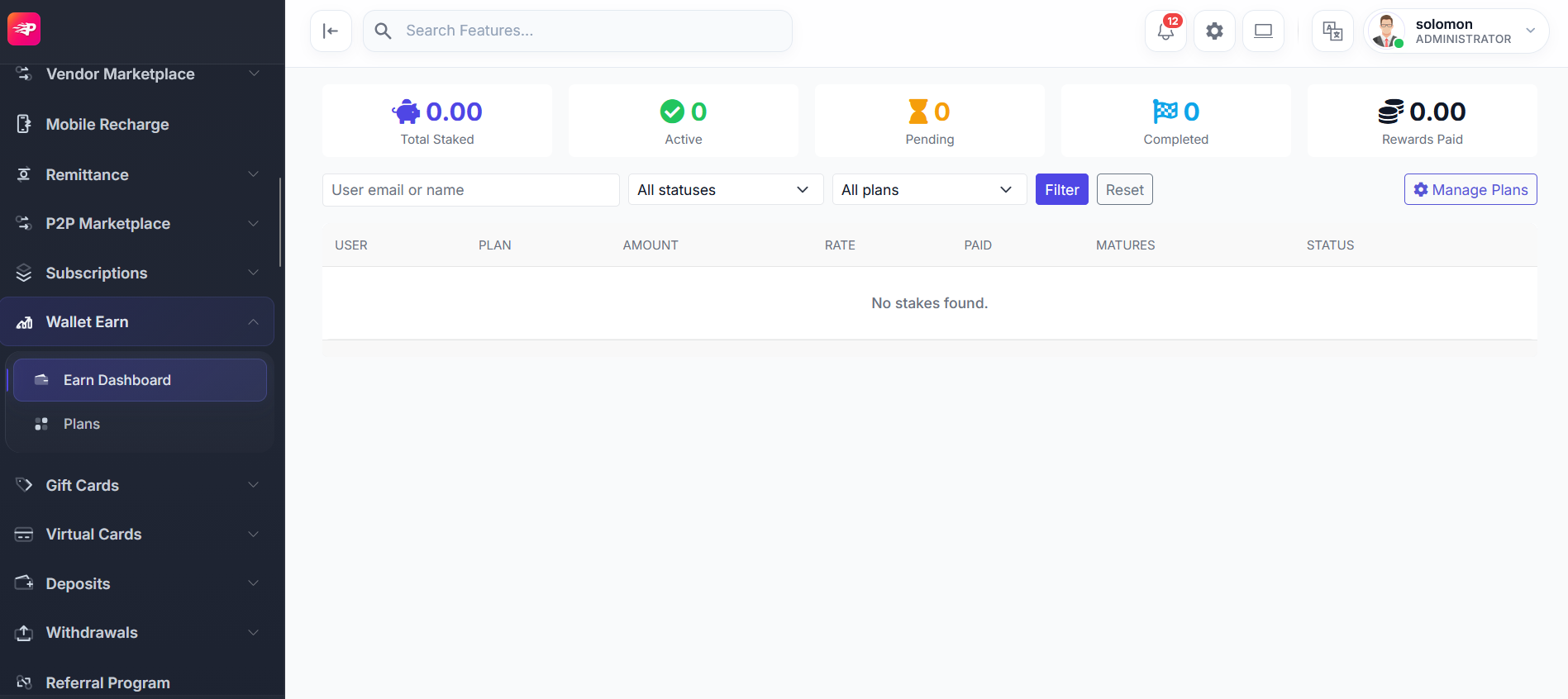
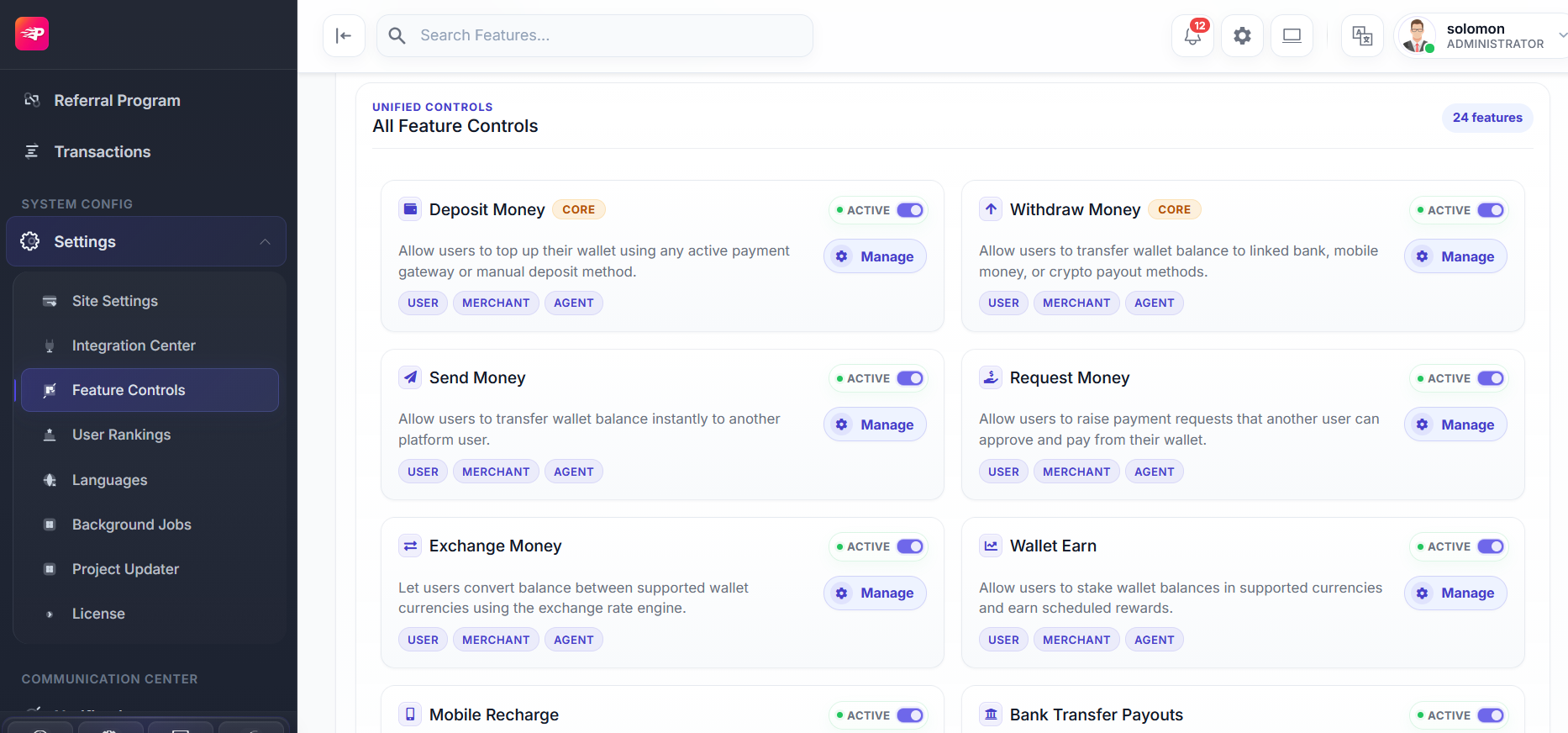
Adapt the commercial experience with analytics, corridors, gift cards, rewards, and feature controls.
Use this final pass before opening a client deployment to production traffic.
For implementation questions, feature requests, and customization inquiries, contact the Wongate team.
Contact support →